
multicall

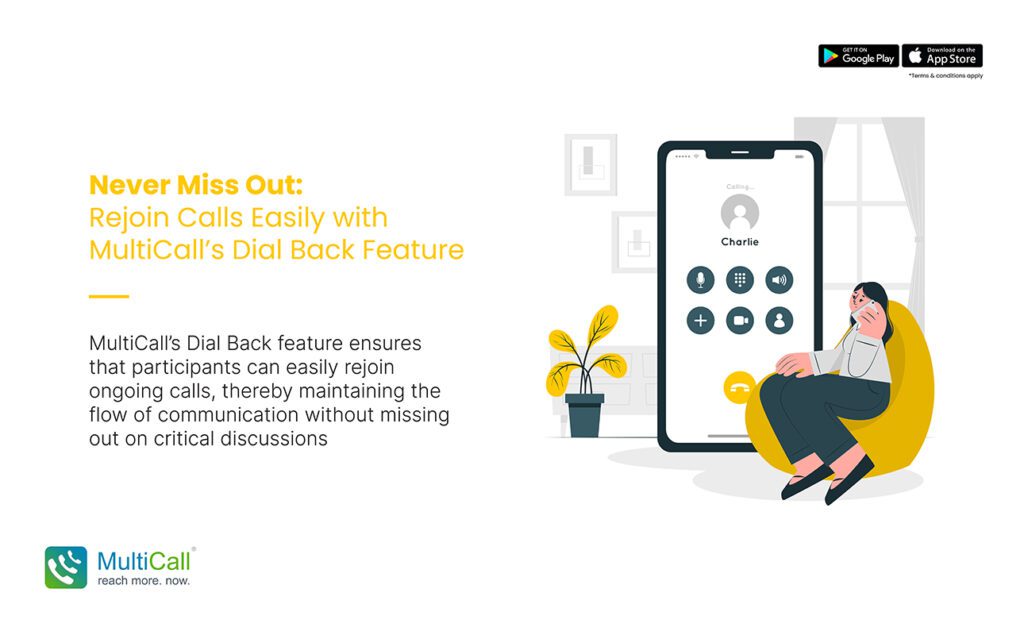
Never Miss Out: Rejoin Calls Easily with MultiCall’s Dial Back Feature

In the realm of digital communication, one of the key challenges users face is maintaining consistent connection during important calls. Interruptions due to network issues, dropped calls, or other disruptions can be significant hindrances. This is where MultiCall’s Dial Back feature becomes a game-changer, ensuring that participants can easily rejoin ongoing calls, thereby maintaining the flow of communication without missing out on critical discussions.

Understanding the Dial Back Feature

The Dial Back feature in MultiCall is designed to quickly reconnect users to an ongoing call if they get disconnected. With just a simple action, participants can seamlessly rejoin the conversation, minimizing the disruption caused by the disconnection.

How the Dial Back Feature Works

  1. Automatic Prompt: When a user gets disconnected from a call, the Dial Back feature automatically prompts them to rejoin.

  2. One-Click Reconnection: The user can rejoin the call with a single click, without the need to dial in manually or enter access codes.

  3. Seamless Continuation: The feature ensures a smooth transition back into the call, allowing the user to catch up with the ongoing discussion promptly.
Untitled-1-Recovered-Recovered

Benefits of the Dial Back Feature

  1. Enhanced Call Continuity: Reduces the impact of call drops, ensuring that meetings and discussions can continue uninterrupted.

  2. Time Efficiency: Saves time by eliminating the need to manually redial or navigate through menus to rejoin a call.

  3. User Convenience: Provides a hassle-free way to reconnect, enhancing the user experience.

  4. Improved Participation: Ensures that all participants, especially in critical business or team meetings, can remain engaged throughout the call.

Optimizing the Use of Dial Back Feature

  1. Enable Notifications: Ensure that call notifications are enabled so that you receive the Dial Back prompt immediately after disconnection.

  2. Brief Interruption Handling: Brief participants about how to use the Dial Back feature effectively at the start of the call to ensure smooth handling of any interruptions.

  3. Maintain Updated App Version: Regularly update the MultiCall app to ensure you have the latest features and improvements, including any enhancements to the Dial Back functionality.

Conclusion

MultiCall’s Dial Back feature is a testament to the platform’s commitment to seamless and uninterrupted communication. It empowers users to stay connected and engaged, ensuring that important conversations are not hindered by unexpected call drops. With this feature, MultiCall users can truly ‘never miss out’, regardless of connectivity challenges.


Contact Form


apple-store-app
google-play-app

YOU MAY ALSO LIKE

How MultiCall Facilitates Efficient Remote Team Communication Across Time Zones

The Evolution of Communication Platforms for Modern Businesses
As enterprises expand and gain intricacy, the requirement for tailored and adaptable communication remedies has become paramount. Conventional methods of communication frequently fall short for organizations needing scalability, robust security, and smooth connection with current setups. This is the point where incorporating a voice API becomes essential, reshaping how firms handle their business interactions.

Read More »

Breaking Down Communication Barriers: MultiCall’s Role in Cross-Department Collaboration

In large organizations, departments often work in silos. Teams may have different priorities, workflows, and schedules, which can create communication gaps. These gaps slow down decisions and affect overall productivity. Clear and fast communication is essential to bring teams together. This is where audio-based group calling becomes a powerful tool. MultiCall helps organizations improve collaboration by enabling smooth and reliable communication across departments.

Read More »

Unleashing the Power of Voice API Integration for Custom Business Communication Solutions

The Evolution of Communication Platforms for Modern Businesses
As enterprises expand and gain intricacy, the requirement for tailored and adaptable communication remedies has become paramount. Conventional methods of communication frequently fall short for organizations needing scalability, robust security, and smooth connection with current setups. This is the point where incorporating a voice API becomes essential, reshaping how firms handle their business interactions.

Read More »

The Future of Corporate Communication: How MultiCall is Leading the Charge

In the contemporary business landscape, effortless exchange of information is vital for achievement. With workforces increasingly spread out globally, older ways of communicating aren’t enough anymore. Organizations require dependable, adaptable, and safe tools to facilitate easy teamwork. This necessity has spurred the development of sophisticated systems such as MultiCall, which merges cutting-edge capabilities for both sound and visual meetings to define the way companies interact in the future

Read More »

Enhancing Customer Support with MultiCall’s Integrated Communication Tools

Customer support plays a vital role in shaping how customers feel about a business. Quick responses, clear communication, and easy access to support teams can make a big difference. For businesses handling multiple customer queries every day, audio-based group calling has become a reliable and practical solution. MultiCall helps customer support teams manage conversations smoothly using powerful, audio-only communication tools.

Read More »

The Power of PSTN-Based Calling Services for Reliable Corporate Communication

Why Reliability Is Key in Corporate Communication
In any professional setting, clear and trustworthy exchange of information is vital. The dependability of communication methods can directly influence choices made, how teams work together, and the general success of the enterprise. As companies grow and interact across various sites, selecting communication systems that are sound and avoid problems like subpar sound, dropped calls, or service outages grows crucial.

Read More »