

multicall

Streamlining Regular Group Calls with MultiCall’s Groups Feature

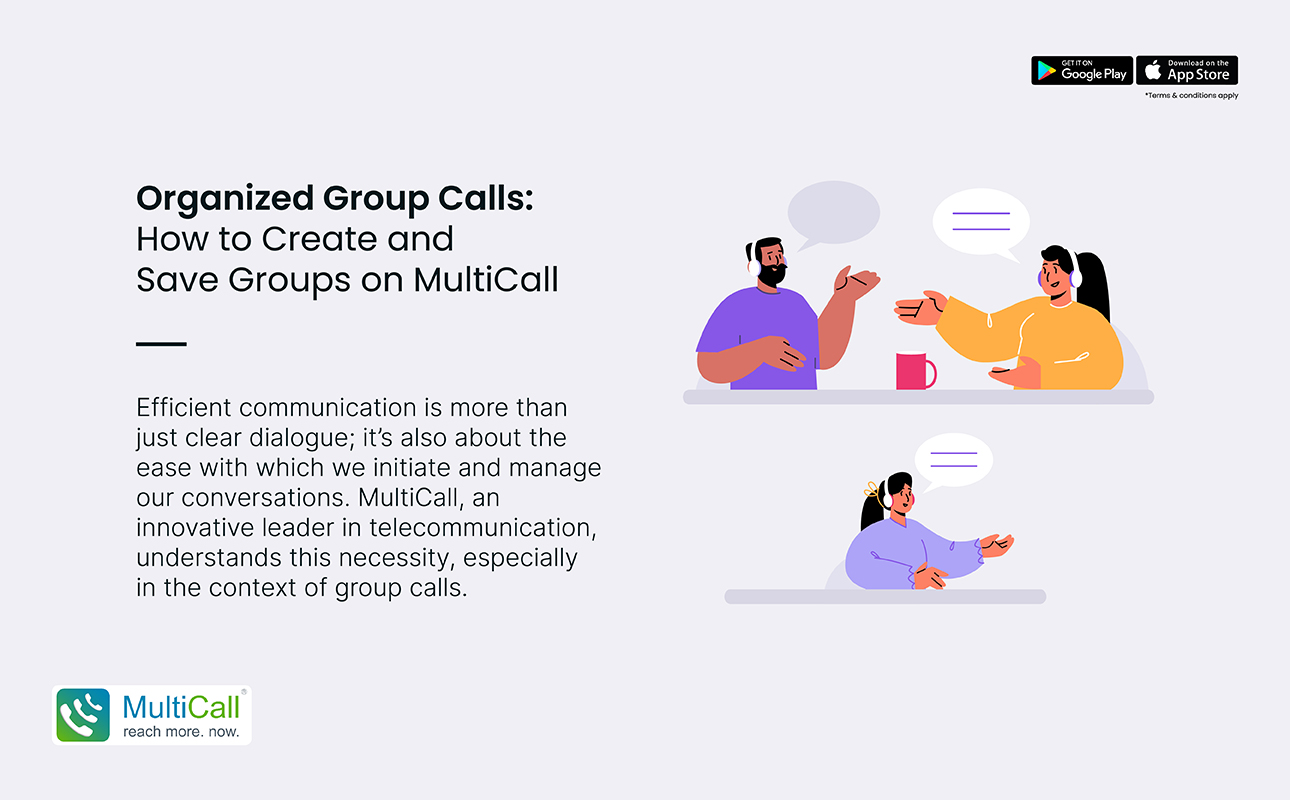
In our fast-paced world, the efficiency of communication tools is paramount, especially when it comes to group interactions. Be it for business meetings, academic collaborations, or personal gatherings, the need for a streamlined process for regular group calls is undeniable. MultiCall addresses this need head-on with its innovative Groups Feature, designed to simplify and enhance your group communication experience. Here’s how MultiCall is revolutionizing regular group calls.

  1. Effortless Group Creation:

Setting up your regular calls starts with a one-time creation of your specific group within the MultiCall app. You can easily compile your contact list, categorizing each group according to your needs, such as ‘Team Meetings’, ‘Family’, or ‘Book Club’. By adding participants once and assigning a unique name, you save time and avoid confusion in the future. This organized setup ensures every call kicks off without a hitch.

  1. One-Tap Connectivity:

Once your groups are established, initiating a call is as simple as selecting the desired group and tapping ‘call’. There’s no need to select participants one by one or wait for everyone to join using a link. MultiCall directly connects everyone, reducing wait times and making spontaneous discussions possible and more accessible.

  1. Simplified Scheduling and Reminders:

With the Groups Feature, planning your regular calls becomes a breeze. MultiCall allows for advanced scheduling paired with automated reminders. By setting up dates and times for your calls, every group member stays in the loop, reducing the chance of missed communications and ensuring full participation.


  1. Easy Management of Group Dynamics:

Teams evolve, and so do your group calls. MultiCall enables the host to easily add or remove participants, reflecting the current structure of your team or group. These updates, done in real-time, ensure that the right participants are included in relevant discussions, keeping the communication efficient.

  1. Enhanced Focus and Productivity:

By eliminating the repetitive process of dialing and connecting multiple participants, MultiCall’s Groups Feature allows users to focus on the purpose of the call. Particularly for businesses, this streamlined approach translates into concise, effective meetings, fostering better engagement, clearer communication, and enhanced productivity among teams.

In conclusion, regular group calls no longer have to be a complex chore filled with connection delays and organizational challenges. MultiCall’s Groups Feature is specifically designed to provide a structured, reliable, and efficient way of handling routine group communications. This focus on user convenience and efficiency underscores MultiCall’s commitment to providing practical solutions that cater to the evolving needs of digital communication in professional and personal settings. Embrace a simpler, more organized way of handling your regular group calls with MultiCall, where every call is a step towards effective collaboration.

Contact Form


apple-store-app
google-play-app

YOU MAY ALSO LIKE

audio

 How Audio Meetings Keep Teams Focused and Efficient

In fast-paced workplaces, distractions can slow progress and reduce productivity. Meetings are meant to align teams, share updates, and make decisions, but poorly managed sessions can waste time. Audio meetings provide a streamlined way to keep teams focused, engaged, and efficient.

Read More »
collaboration

Why Coordination Matters More Than Collaboration Tools

Many enterprises invest heavily in collaboration tools, expecting them to solve all communication challenges. While tools are helpful, coordination is what truly drives efficiency. Without clear coordination, even the most advanced platforms cannot ensure smooth workflows, timely decision-making, or productive teamwork.

Read More »
communication

 The Competitive Edge of Faster Internal Communication

In today’s fast-moving business environment, speed matters. Teams that communicate quickly can respond to challenges, seize opportunities, and make decisions before competitors. Faster internal communication gives enterprises a strategic advantage, improving collaboration and overall efficiency.

Read More »
communication

Communication Stability as a Business Continuity Tool

Business continuity depends on consistent and reliable communication. During disruptions, whether technical failures, natural events, or sudden operational challenges, teams must stay connected to maintain productivity. Audio conferencing offers a stable solution, allowing enterprises to continue operations seamlessly.

Read More »
voice backup

Why Enterprises Should Have a Backup Voice Strategy

Unexpected disruptions can hit any business. Internet outages, technical failures, or emergencies can stop normal communication, affecting productivity and decision-making. Having a backup voice strategy ensures enterprises remain connected, respond quickly, and maintain operations even during disruptions.

Read More »