

multicall

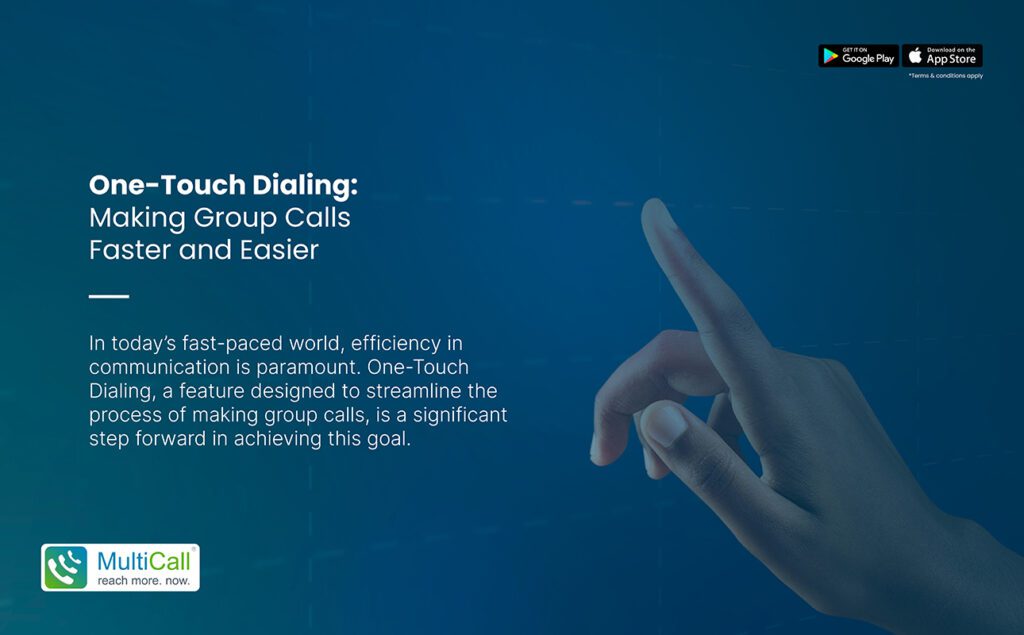
One-Touch Dialing: Making Group Calls Faster and Easier

In today’s fast-paced world, efficiency in communication is paramount. One-Touch Dialing, a feature designed to streamline the process of making group calls, is a significant step forward in achieving this goal. By simplifying the process of connecting multiple people simultaneously, One-Touch Dialing ensures that group communication is both fast and hassle-free.


Understanding One-Touch Dialing

One-Touch Dialing allows users to initiate or join group calls with a single touch, eliminating the traditional complexities of setting up conference calls. This feature is especially beneficial in scenarios where quick and efficient communication is crucial.

Advantages of One-Touch Dialing in Group Calls

  1. Time-Saving: Dramatically reduces the time taken to connect multiple participants, making it ideal for urgent or impromptu meetings.

  2. User-Friendly: Simplifies the calling process, making it accessible to users of all ages and technical backgrounds.

  3. Efficient Coordination: Enhances the ability to coordinate effectively, especially in professional settings where time is often a critical factor.

  4. Seamless Connectivity: Provides smooth and uninterrupted connection, essential in maintaining the flow of discussion in group calls.

Practical Applications of One-Touch Dialing

  1. Business Conferences: Ideal for conducting swift business meetings, allowing teams to connect quickly for decision-making processes.

  2. Remote Work Collaboration: Facilitates better coordination among remote workers, enhancing productivity and team connectivity.

  3. Family and Social Calls: Simplifies the process of connecting with friends and family, especially for coordinating group events or catch-ups.

  4. Emergency Response Teams: In critical situations, this feature allows for immediate communication among emergency response teams, aiding in quick decision-making.

Maximizing the Use of One-Touch Dialing

– Pre-set Groups: Organize and save groups in advance for recurring meetings or regular family calls.

– Integrate with Calendars: Combine the feature with calendar integrations to schedule and manage group calls efficiently.

– Leverage for Urgent Communication: Utilize One-Touch Dialing for emergency meetings or last-minute discussions.

Conclusion

One-Touch Dialing revolutionizes the way we approach group calls, offering a solution that is not only faster but also easier to use. It’s a testament to how technology can be harnessed to enhance communication, making it more efficient and accessible in various scenarios. Whether in a professional setting, for remote work, or in personal life, One-Touch Dialing ensures that staying connected is just a touch away.

Contact Form


apple-store-app
google-play-app

YOU MAY ALSO LIKE

multicall

 Why Instant Audio Collaboration Beats Endless Email Threads

Emails have been a standard form of business communication for years, but long email threads often create more confusion than clarity. Important points get buried in multiple replies, and conversations become difficult to follow. Teams spend time scrolling, re-reading, and trying to understand context instead of focusing on solutions. This slows down progress and affects productivity.

Read More »
multicall

 Is Your Business Over-Relying on Chat Apps

Many businesses today rely heavily on chat apps for daily communication. While messaging platforms are quick and convenient, they are not always the most effective way to handle important discussions. Over time, this dependency can create gaps in clarity, delay decision making, and reduce the quality of communication. Businesses need to evaluate whether chat apps are truly supporting their goals or slowing them down.

Read More »
multicall

Why Fast Coordination Matters More Than Perfect Slides

In many business situations, teams spend a lot of time preparing perfect presentations and detailed slides. While visuals can support communication, they are not always the most important factor. What truly matters is how quickly teams can connect, discuss, and make decisions. With Best Audio Conferencing Apps, teams can focus on real conversations instead of spending time perfecting slides that may not add real value.

Read More »
multicall

 Why Audio Calls Are Better Than Video for Focused Business Communication

In today’s fast moving business environment, communication needs to be clear, quick, and easy to manage. Video calls have become common, but they often add extra layers that are not always necessary. Audio calls offer a simpler and more practical way to connect. By using Best Audio Conferencing Apps, businesses can keep conversations smooth and focused without worrying about visual elements.

Read More »
multicall

Why Voice Communication Builds More Trust Than Emails

In business, trust is built through clear and genuine communication. While emails are widely used, they often lack emotional tone and personal connection. Voice communication brings a human element into conversations, allowing people to express tone, intent, and clarity.

Read More »