Have you ever had the need for making a “private number call” but didn’t know how to do it? Were there instances when you thought making a “hidden number call” would help you meet the objective of the call better, but didn’t know how to hide your caller ID? There are many reasons why one would need to hide their caller ID while making a phone call and there are a few ways to do it. In this blog, we shall look at one easy and effective way to do it by downloading an app that is useful in more than one way.
Before we get into the app solution we are talking about, let us look at why one would need this feature at the first place. There are times when you may need to call a complete stranger to get some information and you may not be knowing who they are. You may feel unsafe to reveal your mobile number to them and understandably so. In those instances, if you can hide your number/ID while calling, it will be helpful. In another use case, it is for the exact opposite reason. You know who you are calling, but you still would like to keep your number hidden or private. This is needed especially for times like when you are trying to prank your friends and have a fun call with them.
There are occasions when you might need to call someone to enquire about something they are selling online, for example, a residential property or a used car. You may need to call multiple sellers for this purpose, till you get what you want and preferably, you would like to keep your number private or hidden. In this case, if you had a way to contact them without revealing your mobile number, it would come in handy. Similarly, you may want to use ‘hidden number call’ when you want to return an official call from your personal phone.
And apart from these day-to-day use cases, if you are someone selling a service, or if you are part of an organization that needs to make calls to its prospects/customers, you may want to use a calling solution that is robust and lets you keep your caller ID anonymous. And if it can ensure that they cannot contact you by redialing the same number, it may be quite useful.
Now, to the solution. To be able to do all the above, and more, like calling many people simultaneously and instantly, the best solution available is MultiCall. MultiCall is one-to-many calling delivered through an app. When you download MultiCall and register using your mobile number and email id in a one-time signup, it lets you call more than one person instantly. All you need to do is, open the app, press ‘Call Now’, select the contact(s) you wish to call from your contact list, and press ‘Call’. You then receive a call from a landline number first. On answering the call, the participant(s) receive the call from the same landline number. This is unlike any other group call available in the market as the call here is not dependent on internet connectivity. You need internet only to initiate the call. And the actual call is a regular voice call, that is a PSTN call. This means that the sound quality is better than that of all other data calling apps out there.
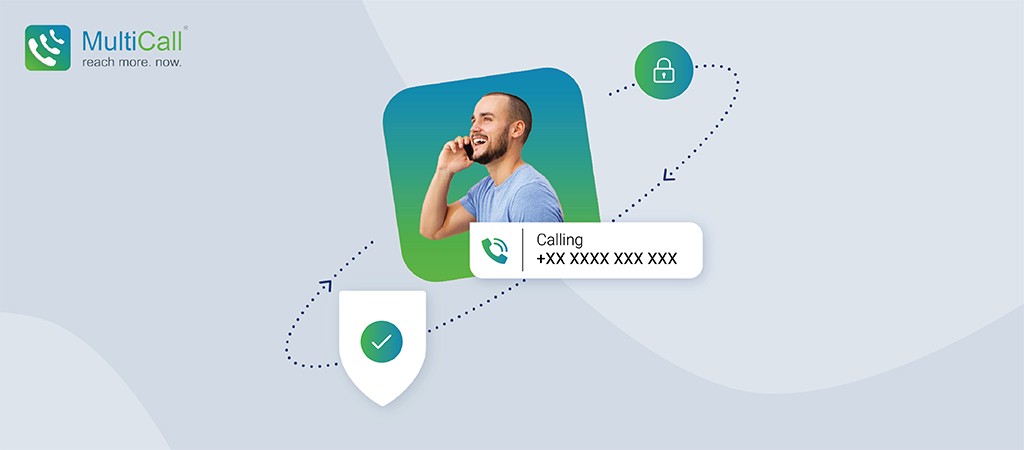
So, with MultiCall, you can make anonymous calls to multiple people simultaneously, as you make use of the private-number-call feature through it. What your participants will see is a landline number and your mobile number is not revealed. Your participants will not be able to reach you if they attempt by dialing back the same number, once the call ends.
MultiCall also comes with other useful features like call scheduling, call monitoring and call recording. With call monitoring, you can see who has joined or left the call and also mute/unmute participants during the call.
When you choose MultiCall for your hidden-number-calls, it lets you make effective anonymous calls. Be it for calling strangers without revealing your mobile number or for making pranks; be it for calling online sellers or for selling your service to prospects, MultiCall is your go-to app, that not only lets you keep your mobile number private, but also lets you make HD quality uninterrupted group calls to your friends and family or for official purpose.
MultiCall is available on Android and iOS. You may download it from Google Play and App Store.