multicall

How to Choose the Right Audio Conference App for Your Employees?

Audio conferencing apps are a necessity for companies today, as remote work and virtual collaboration trends continue to grow. The right app doesn’t just help with communication, but also helps with team efficiency. Identify the right audio conferencing app for your team, step by step here is how to select the right audio conferencing app for your team.

1. Define Your Team’s Requirements

Learn about the specific needs of your team first. Do you just need 1-on-1 calls or do you prefer group calls? Think about how much time is spent on meetings, how often is it called, and what skills your team members have.

2. Focus on Audio Quality

Call quality is probably the most important feature of any audio conferencing software. Dropped calls or muddled audio can mess up your conversations. Make sure to pick an app with HD audio for crystal-clear calls, even with people at different locations.

3. Assess Usability

An easy-to-use app is imperative. It should be easy to configure and use even for the non-technical users. Find something such as instant call access or integrations with apps such as calendar for easier planning.

4. Evaluate Compatibility

You need the app to work on every device and every OS. No matter your team has Windows, macOS, Android, iOS or the other platforms, compatibility is essential to make sure everyone can attend without technical difficulties.

5. Prioritize Security

Security is a big deal for business communication. Choose an app that has good encryption and a safe login feature for storing sensitive data discussed in the calls.

6. Check for Scalability

If you have a growing team, then you might have more communication requirements. Choose one that’s flexible with your team — accommodating larger group calls or adding additional features as you see fit.

Conclusion

Finding the right audio conferencing app for your team is about finding that middle ground between functionality, usability and security. When you understand what you need, and research apps that meet these requirements, you’ll have a better chance of communicating and getting the team to work together.

Contact Form


apple-store-app
google-play-app

YOU MAY ALSO LIKE

multicall

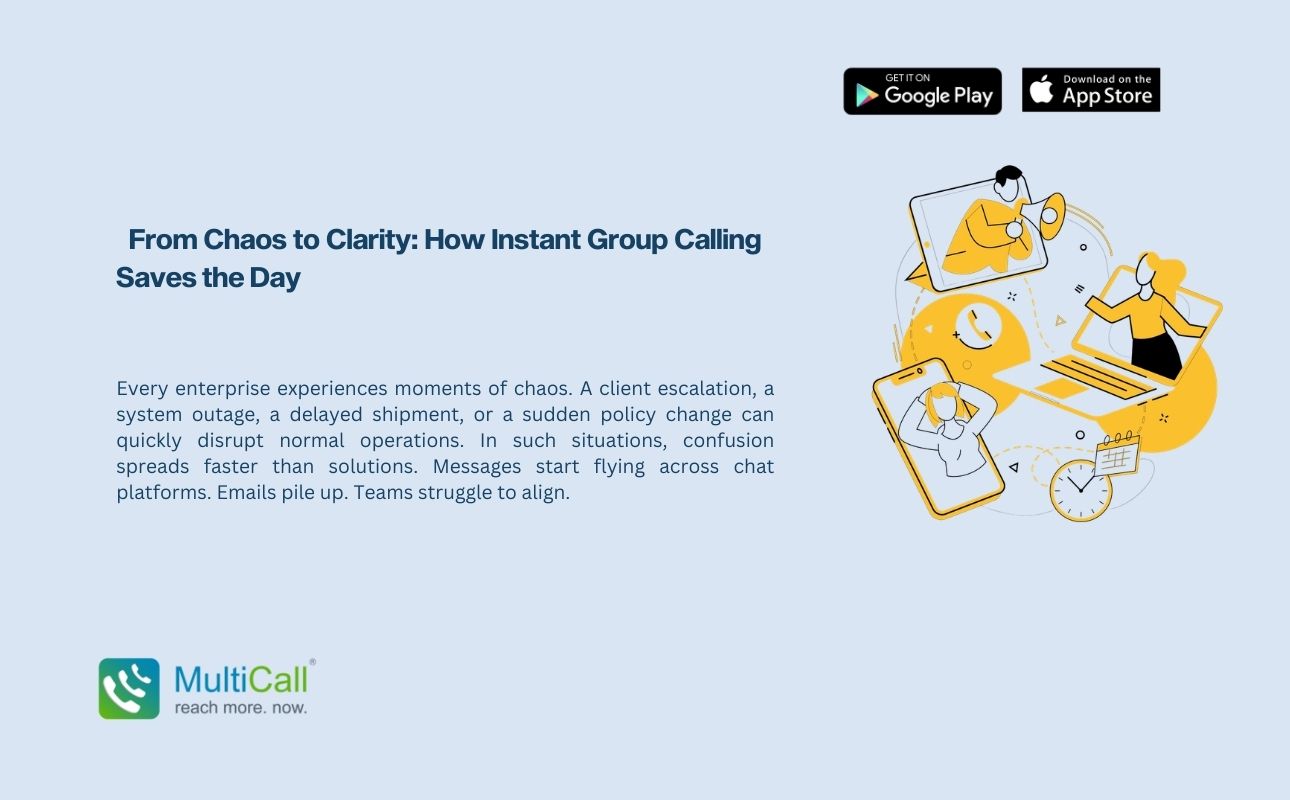
 From Chaos to Clarity: How Instant Group Calling Saves the Day

Every enterprise experiences moments of chaos. A client escalation, a system outage, a delayed shipment, or a sudden policy change can quickly disrupt normal operations. In such situations, confusion spreads faster than solutions. Messages start flying across chat platforms. Emails pile up. Teams struggle to align.

Read More »
multicall

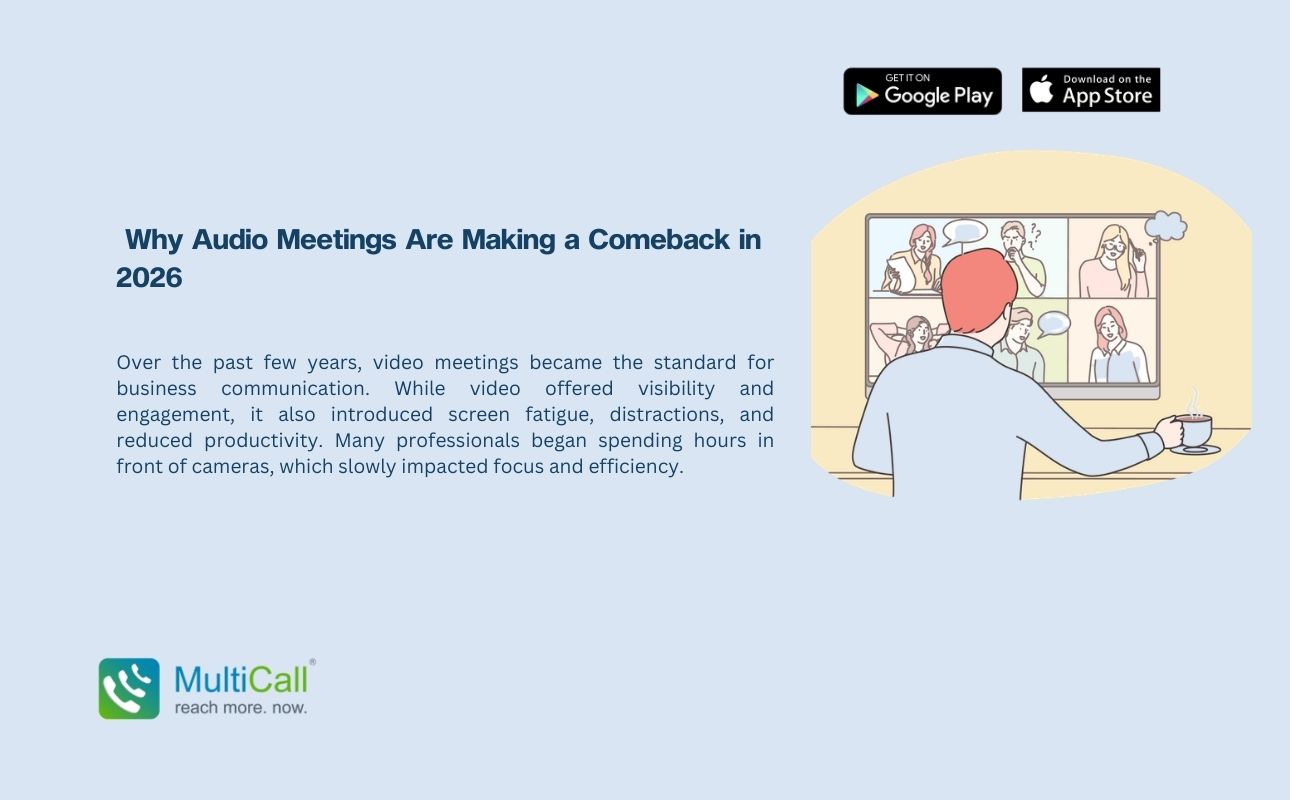
 Why Audio Meetings Are Making a Comeback in 2026

Over the past few years, video meetings became the standard for business communication. While video offered visibility and engagement, it also introduced screen fatigue, distractions, and reduced productivity. Many professionals began spending hours in front of cameras, which slowly impacted focus and efficiency.

Read More »
multicall

How One Missed Call Can Cost Your Business Crores

In business, opportunities rarely announce themselves twice. A single incoming call could represent a new client inquiry, a partnership proposal, a high value contract, or an urgent operational update. When that call goes unanswered, the cost is not just a missed conversation. It could mean losing revenue worth crores.

Read More »
multicall

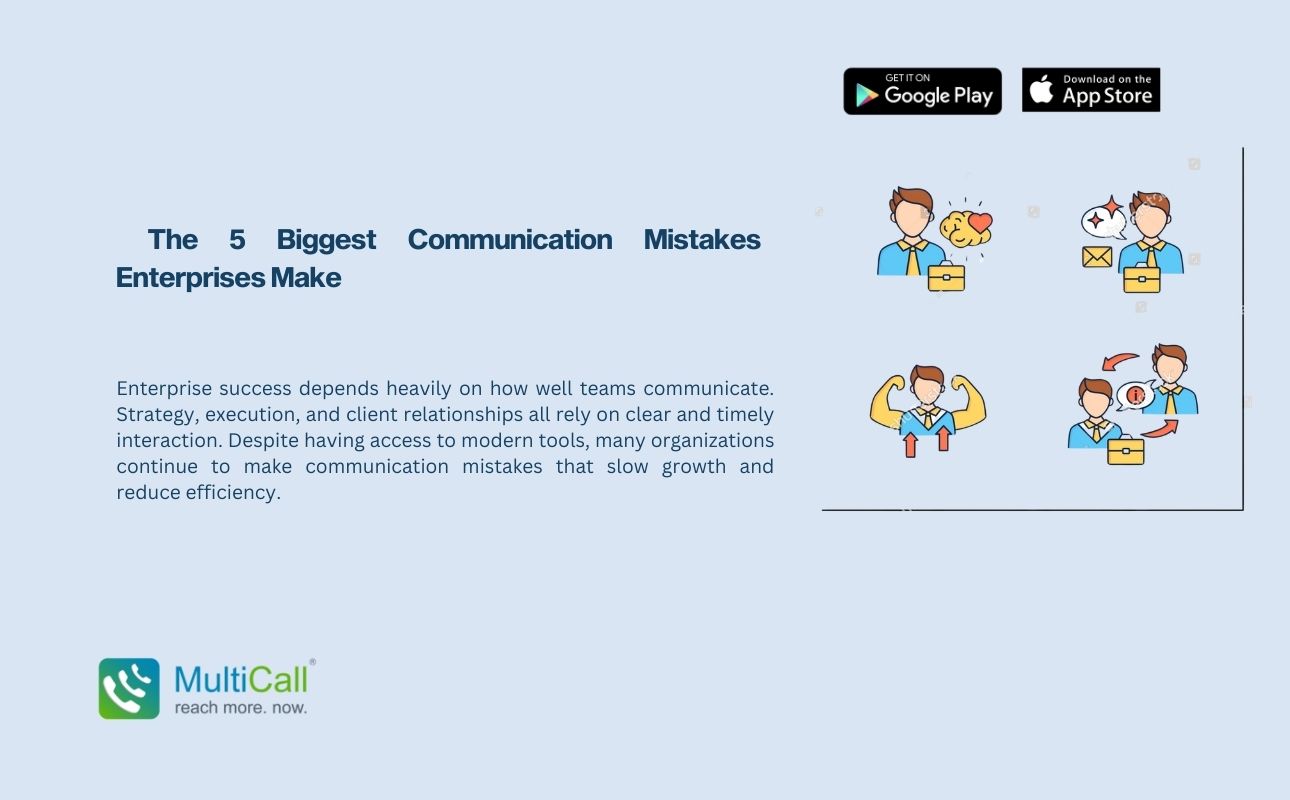
  The 5 Biggest Communication Mistakes Enterprises Make

Enterprise success depends heavily on how well teams communicate. Strategy, execution, and client relationships all rely on clear and timely interaction. Despite having access to modern tools, many organizations continue to make communication mistakes that slow growth and reduce efficiency.

Read More »