How MultiCall Facilitates Efficient Remote Team Communication Across Time Zones
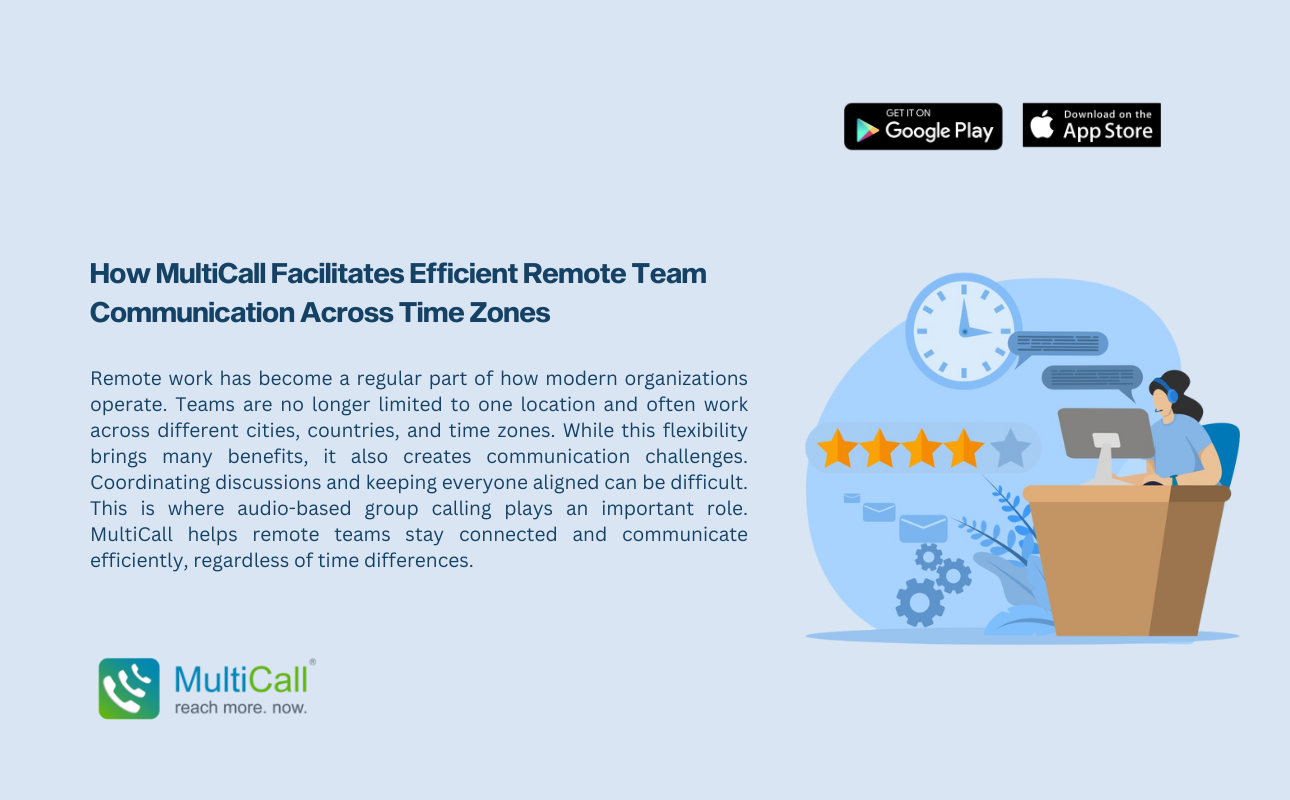
Remote work has become a regular part of how modern organizations operate. Teams are no longer limited to one location and often work across different cities, countries, and time zones. While this flexibility brings many benefits, it also creates communication challenges. Coordinating discussions and keeping everyone aligned can be difficult. This is where audio-based group calling plays an important role. MultiCall helps remote teams stay connected and communicate efficiently, regardless of time differences.
The Challenges of Remote Communication Across Time Zones
When teams work in different time zones, scheduling meetings becomes complex. Email conversations can take hours or even days to move forward. Chat messages may be missed if team members are offline. These delays can affect productivity and slow down important decisions.
Audio group calling allows teams to connect in real time whenever schedules overlap. A short call can replace long email threads and help teams resolve issues quickly.
Best Audio Conferencing Apps for Remote Teams
Remote teams need communication tools that are reliable and easy to use. MultiCall is often counted among the best audio conferencing apps for remote collaboration. It provides stable voice quality that allows team members to communicate clearly, even from different locations.
With audio conferencing, remote employees can focus on discussions without worrying about bandwidth issues or complex setups. This makes it suitable for daily check-ins, team updates, and project discussions.
Improving Group Call Business Communication for Distributed Teams
Remote work often requires coordination between multiple roles and departments. Group call business communication helps bring team members together on a single call instead of managing several one-on-one conversations.
MultiCall enables distributed teams to collaborate more effectively by allowing everyone to hear the same updates at the same time. This improves alignment and reduces confusion, especially for cross-functional remote teams.
Instant Group Calling Apps for Quick Collaboration
Remote teams often need to act quickly when issues arise. Instant group calling apps make it possible to start discussions immediately without delays. MultiCall allows team members to initiate group calls easily, helping teams respond faster to urgent matters.
This instant access to communication helps remote teams maintain momentum and avoid unnecessary downtime caused by waiting for replies.
Secure Communication with Number Masking in Calls
Privacy is important when remote teams use personal devices for work. Number masking in calls helps protect personal phone numbers while keeping communication professional. MultiCall supports this feature, ensuring secure conversations even when teams are spread across regions.
This added security builds confidence among team members and supports safe remote communication.
Staying Connected with Persistent Login Calling Apps
Frequent logins can slow down communication, especially for remote employees who join multiple calls daily. Persistent login calling apps allow users to stay logged in, making it easier to join or start calls instantly.
MultiCall supports persistent login, helping remote teams remain accessible and responsive throughout their working hours.
Efficient Group Calling Solutions for Global Teams
MultiCall provides efficient group calling solutions that support remote teams working across time zones. Audio-based group calling keeps communication simple, clear, and focused, helping teams stay connected despite distance.
Conclusion
Effective communication is essential for remote teams working across time zones. MultiCall’s audio-only group calling solutions help teams collaborate in real time, make faster decisions, and stay aligned. With clear audio, secure calls, and easy access, MultiCall enables efficient remote communication and supports productive global teamwork.