
multicall

Group Calling Without Internet: How It Works

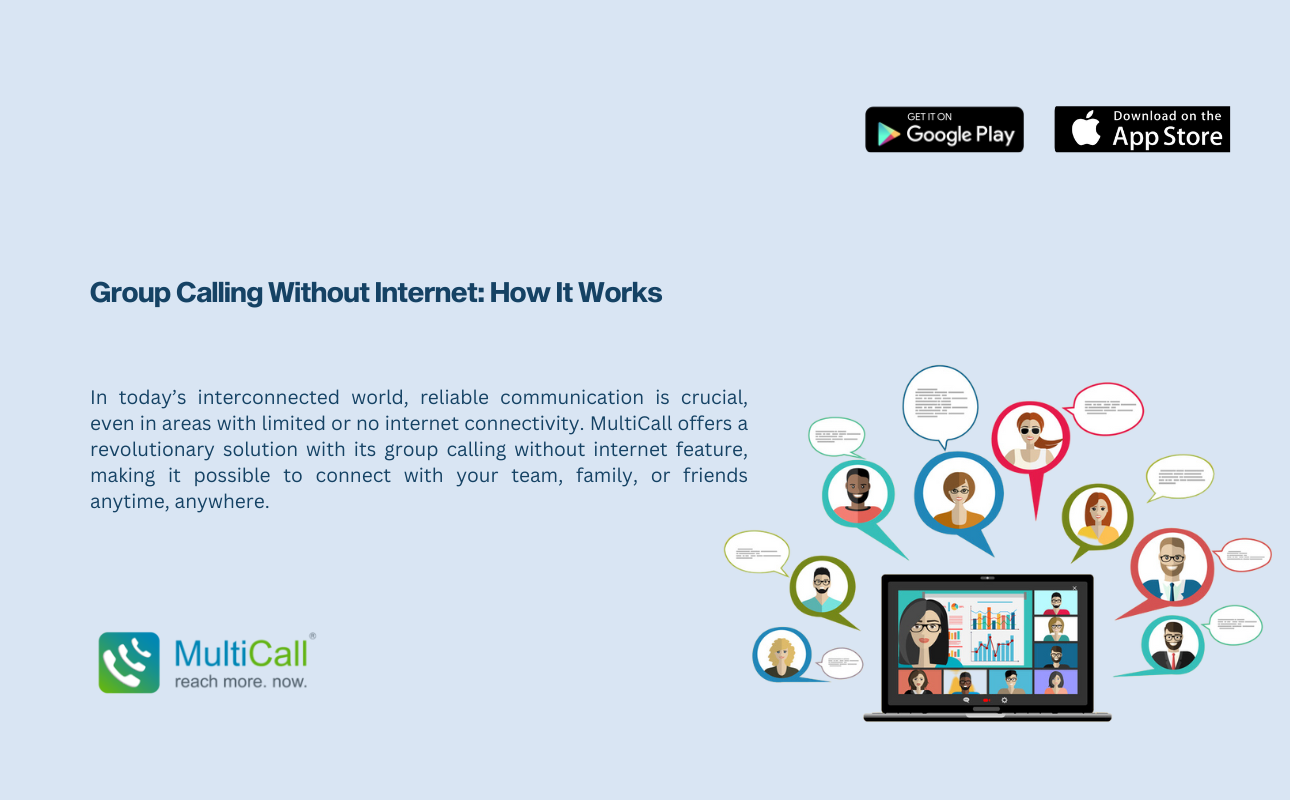
In today’s interconnected world, reliable communication is crucial, even in areas with limited or no internet connectivity. MultiCall offers a revolutionary solution with its group calling without internet feature, making it possible to connect with your team, family, or friends anytime, anywhere.

The Concept of Group Calling Without Internet

Group calling without internet relies on traditional phone networks, specifically the Public Switched Telephone Network (PSTN), to facilitate connections. Unlike VoIP services, which depend on internet connectivity, PSTN uses dedicated lines for voice communication, ensuring stable and high-quality calls.

  1. How MultiCall Enables Group Calls Without Internet

    MultiCall leverages PSTN technology to provide seamless group calling services. Here’s how it works:

    1. Initiating the Call: Users can start a group call by selecting participants from their contacts or entering phone numbers directly into the app.
    2. Connecting Participants: MultiCall dials each participant through PSTN lines, ensuring they are connected regardless of their internet status.
    3. Maintaining Quality: By using PSTN, MultiCall guarantees superior sound qualityand minimizes issues like dropped calls or poor connections, which are common with internet-based calls.

Benefits of Group Calling Without Internet

  1. Reliable Connectivity: With PSTN, users experience reliable connectivity, even in remote areas with poor or no internet.
  2. Superior Sound Quality: High-quality PSTN callingensures clear and uninterrupted communication, essential for effective group calls.
  3. Wider Reach: This feature allows users to include participants who may not have internet access, broadening the scope of communication.

MultiCall Features Enhancing Group Calling

  • Number Masking: Protects user privacy by hiding personal numbers during calls.
  • Instant Group Calling Apps: Quickly connect multiple participants with just a few taps.
  • Call Scheduling Applications: Plan and organize calls in advance, with reminders sent to participants.

How to Use MultiCall for Group Calling Without Internet

  1. Sign Up: Create an account on the MultiCall app.
  2. Select Participants: Choose from your contacts or manually enter numbers.
  3. Initiate the Call: Start the group call, and MultiCall will connect each participant via PSTN.

Conclusion

Group calling without internet is a game-changer, particularly for businesses and individuals who need reliable communication in areas with limited connectivity. MultiCall’s use of PSTN technology ensures that you can stay connected with superior sound quality and reliable connectivity. Embrace MultiCall for your communication needs and experience the convenience of seamless group calls, anytime, anywhere.

Contact Form


apple-store-app
google-play-app

YOU MAY ALSO LIKE

audio

 How Audio Meetings Keep Teams Focused and Efficient

In fast-paced workplaces, distractions can slow progress and reduce productivity. Meetings are meant to align teams, share updates, and make decisions, but poorly managed sessions can waste time. Audio meetings provide a streamlined way to keep teams focused, engaged, and efficient.

Read More »
collaboration

Why Coordination Matters More Than Collaboration Tools

Many enterprises invest heavily in collaboration tools, expecting them to solve all communication challenges. While tools are helpful, coordination is what truly drives efficiency. Without clear coordination, even the most advanced platforms cannot ensure smooth workflows, timely decision-making, or productive teamwork.

Read More »
communication

 The Competitive Edge of Faster Internal Communication

In today’s fast-moving business environment, speed matters. Teams that communicate quickly can respond to challenges, seize opportunities, and make decisions before competitors. Faster internal communication gives enterprises a strategic advantage, improving collaboration and overall efficiency.

Read More »
communication

Communication Stability as a Business Continuity Tool

Business continuity depends on consistent and reliable communication. During disruptions, whether technical failures, natural events, or sudden operational challenges, teams must stay connected to maintain productivity. Audio conferencing offers a stable solution, allowing enterprises to continue operations seamlessly.

Read More »
voice backup

Why Enterprises Should Have a Backup Voice Strategy

Unexpected disruptions can hit any business. Internet outages, technical failures, or emergencies can stop normal communication, affecting productivity and decision-making. Having a backup voice strategy ensures enterprises remain connected, respond quickly, and maintain operations even during disruptions.

Read More »