

multicall

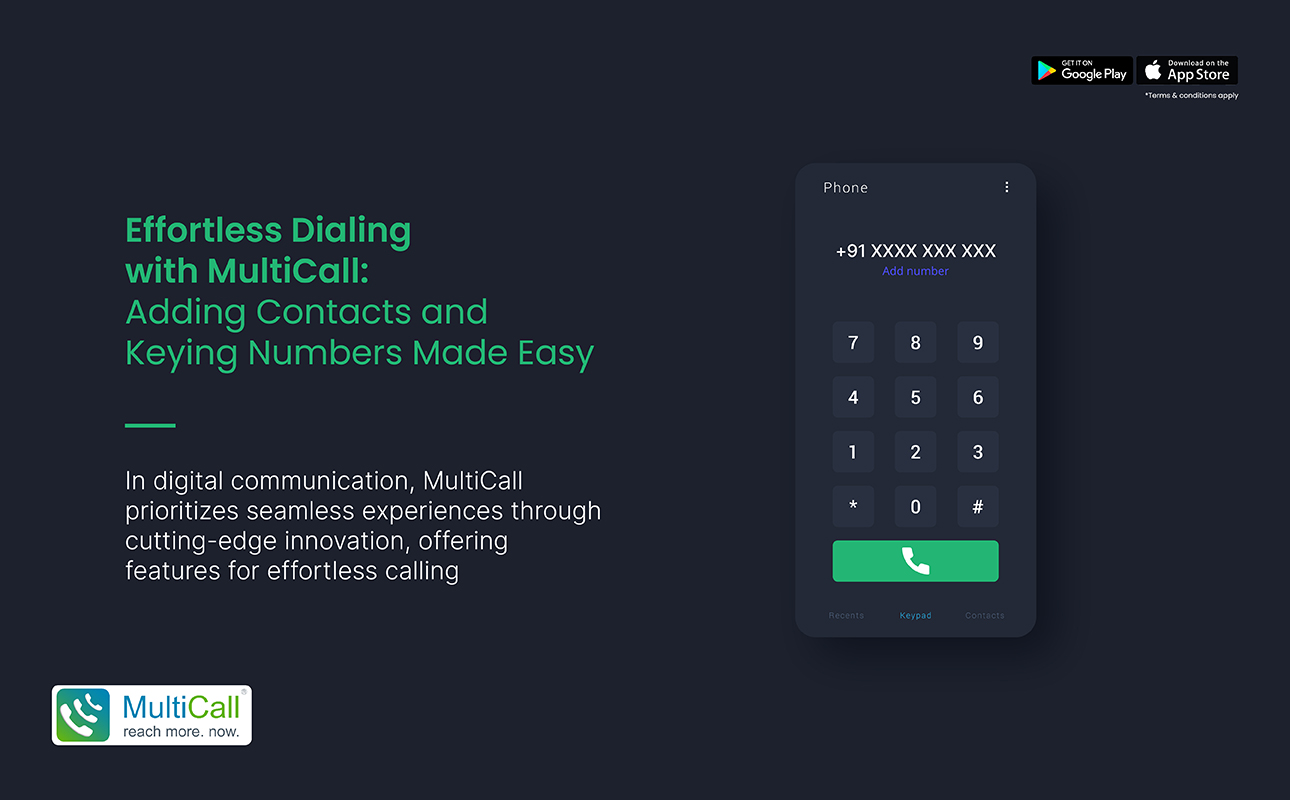
Effortless Dialing with MultiCall: Adding Contacts and Keying Numbers Made Easy

In the sphere of digital communication, convenience and user-friendliness are key to a seamless experience. MultiCall, always at the cutting edge of innovation, takes this to heart with features designed to make your calling experience as effortless as possible. Our platform not only revolutionizes the way you connect with multiple people but also simplifies every step, from adding contacts to keying numbers. Here’s how MultiCall is making dialing a worry-free experience.

Simplified Contact Integration:

One of the most tedious aspects of using new communication platforms is the process of transferring and adding contacts. MultiCall eliminates this hassle with a streamlined approach to contact integration. With permission, MultiCall syncs with your device’s contact list, automatically populating your app’s phonebook. This one-time sync feature means you don’t waste precious moments manually entering each contact. Just open the app, and your contacts are ready for use, organized efficiently for quick access.

Ease of Keying Numbers:

Keying in phone numbers, especially for conference calls, can be a fumbling block, but not with MultiCall. The app’s user-friendly interface is designed with precision touch in mind, ensuring that even on the go, you can enter numbers without error. For repeat calls or meetings, the app smartly remembers your group call lists. With a few taps, you reconnect with groups without the hassle of re-entering each participant’s information, making routine conference calls a breeze.


Smart Contact Management:

Managing your contacts is also hassle-free with MultiCall. The app allows users to create customized contact groups based on various criteria like project teams, client groups, or family circles. This feature means you don’t have to search for individual numbers each time you want to make a group call. Simply select the pre-arranged group, hit dial, and you’re connected. It’s that easy.

Accessibility and Compatibility:

MultiCall is committed to ensuring that these features are not constrained by device limitations. The app is designed for optimal compatibility with different devices and operating systems, ensuring that a diverse range of users can experience effortless dialing, regardless of their device preferences.

In conclusion, MultiCall removes the traditional barriers to efficient digital communication with its user-oriented features. By making the process of adding contacts and dialing numbers straightforward and intuitive, it allows users to focus on what truly matters – their conversations. Dive into a world of convenience with MultiCall, where technology meets simplicity, and every call becomes an enjoyable experience.

Contact Form


apple-store-app
google-play-app

YOU MAY ALSO LIKE

Why Are Businesses Switching Back to Voice Calls for Critical Communication?

Communication is the backbone of every successful business. Whether it’s making urgent decisions, coordinating with remote teams, or addressing customer concerns, organizations need a communication channel they can rely on. While video meetings and messaging platforms have become part of everyday operations, many businesses are rediscovering the value of voice calls when communication needs to be immediate, clear, and dependable.

Read More »
communication

The Future of Business Communication Is Not Louder, It Is Clearer

In a world flooded with digital messages, notifications, and endless meetings, clarity has become more valuable than volume. Businesses no longer need louder communication or constant interruptions to get attention. The future lies in precise, efficient, and clear communication that helps teams understand priorities and act effectively.

Read More »
audio

Why Multi-Location Businesses Need Instant Audio Coordination

Businesses operating across multiple locations face unique communication challenges. Teams in different offices, cities, or even countries must stay aligned to maintain efficiency, meet deadlines, and serve clients effectively. Instant audio coordination provides a reliable solution that ensures seamless communication across all locations.

Read More »
audio

 How Audio Meetings Keep Teams Focused and Efficient

In fast-paced workplaces, distractions can slow progress and reduce productivity. Meetings are meant to align teams, share updates, and make decisions, but poorly managed sessions can waste time. Audio meetings provide a streamlined way to keep teams focused, engaged, and efficient.

Read More »
collaboration

Why Coordination Matters More Than Collaboration Tools

Many enterprises invest heavily in collaboration tools, expecting them to solve all communication challenges. While tools are helpful, coordination is what truly drives efficiency. Without clear coordination, even the most advanced platforms cannot ensure smooth workflows, timely decision-making, or productive teamwork.

Read More »




