
multicall

Dial Back: A Quick Guide to Rejoining Dropped Calls on MultiCall

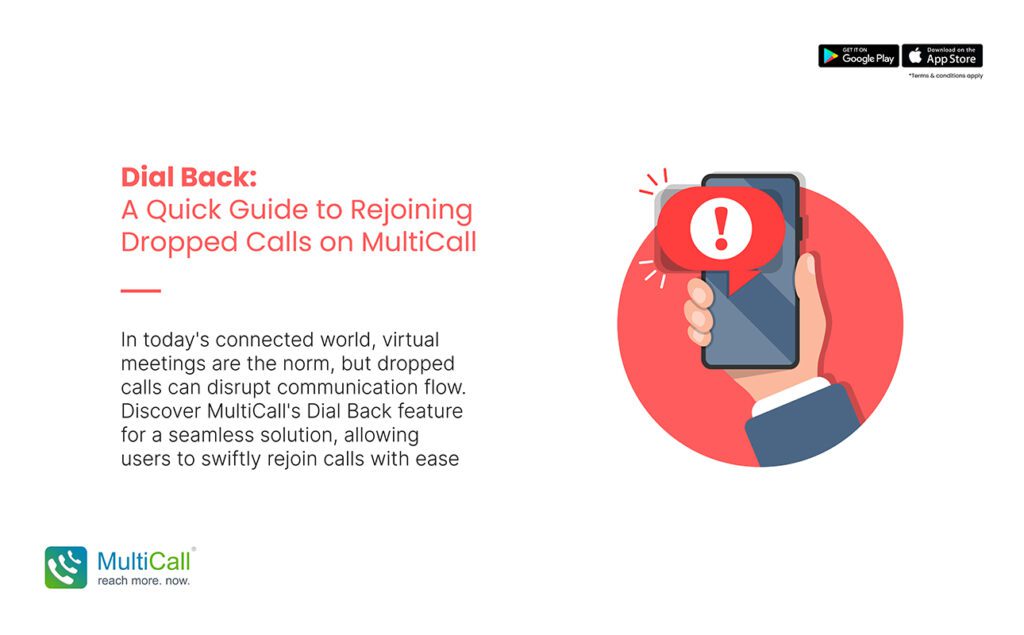
In our increasingly connected world, where virtual meetings and calls have become the norm, the frustration of dropped calls can disrupt the flow of communication. MultiCall’s Dial Back feature presents a solution, enabling users to quickly and effortlessly rejoin calls. This guide explores how the Dial Back feature works and how it can be a lifesaver in various communication scenarios.


Understanding MultiCall’s Dial Back Feature

Dial Back is a user-centric feature in MultiCall designed to tackle the inconvenience of dropped calls. If a user gets disconnected from a call due to network issues or other interruptions, this feature allows them to rejoin the ongoing call with minimal effort and delay.

How to Use the Dial Back Feature

  1. Automatic Notification: When you are disconnected from a call, MultiCall automatically notifies you with a prompt to rejoin.

  2. One-Tap Rejoining: A simple tap on the prompt instantly reconnects you to the ongoing call, eliminating the need for manual redialing.

  3. Seamless Reconnection: The feature ensures you are back in the call quickly, reducing the chance of missing important parts of the conversation.
Untitled-1-Recovered-Recovered

Benefits of Using Dial Back

  1. Minimize Disruptions: Quickly rejoining calls minimizes disruptions in meetings, discussions, or negotiations.

  2. Time-Saving: Eliminates the time spent in manually dialing back into the call, especially useful in time-sensitive situations.

  3. Enhanced User Experience: Provides a smooth, hassle-free experience, bolstering the platform’s reliability and user satisfaction.

  4. Maintain Engagement: Ensures continuous engagement, particularly critical in business and collaborative environments.

When Dial Back Comes Handy

– In business meetings where every moment counts, and missing out on discussions isn’t an option.

– During webinars or training sessions, where losing connection can mean missing vital information.

– In collaborative team calls, where continuous participation is key to productive outcomes.

Conclusion

The Dial Back feature on MultiCall stands out as a testament to the platform’s commitment to uninterrupted communication. By offering a swift and efficient solution to rejoin dropped calls, it ensures that communication remains fluid, and vital interactions are not lost. This feature is a boon for anyone who values seamless connectivity in their professional or personal communication.


Contact Form


apple-store-app
google-play-app

YOU MAY ALSO LIKE

audio

 How Audio Meetings Keep Teams Focused and Efficient

In fast-paced workplaces, distractions can slow progress and reduce productivity. Meetings are meant to align teams, share updates, and make decisions, but poorly managed sessions can waste time. Audio meetings provide a streamlined way to keep teams focused, engaged, and efficient.

Read More »
collaboration

Why Coordination Matters More Than Collaboration Tools

Many enterprises invest heavily in collaboration tools, expecting them to solve all communication challenges. While tools are helpful, coordination is what truly drives efficiency. Without clear coordination, even the most advanced platforms cannot ensure smooth workflows, timely decision-making, or productive teamwork.

Read More »
communication

 The Competitive Edge of Faster Internal Communication

In today’s fast-moving business environment, speed matters. Teams that communicate quickly can respond to challenges, seize opportunities, and make decisions before competitors. Faster internal communication gives enterprises a strategic advantage, improving collaboration and overall efficiency.

Read More »
communication

Communication Stability as a Business Continuity Tool

Business continuity depends on consistent and reliable communication. During disruptions, whether technical failures, natural events, or sudden operational challenges, teams must stay connected to maintain productivity. Audio conferencing offers a stable solution, allowing enterprises to continue operations seamlessly.

Read More »
voice backup

Why Enterprises Should Have a Backup Voice Strategy

Unexpected disruptions can hit any business. Internet outages, technical failures, or emergencies can stop normal communication, affecting productivity and decision-making. Having a backup voice strategy ensures enterprises remain connected, respond quickly, and maintain operations even during disruptions.

Read More »