

multicall

Customizable Group Call Settings in MultiCall for User Preference

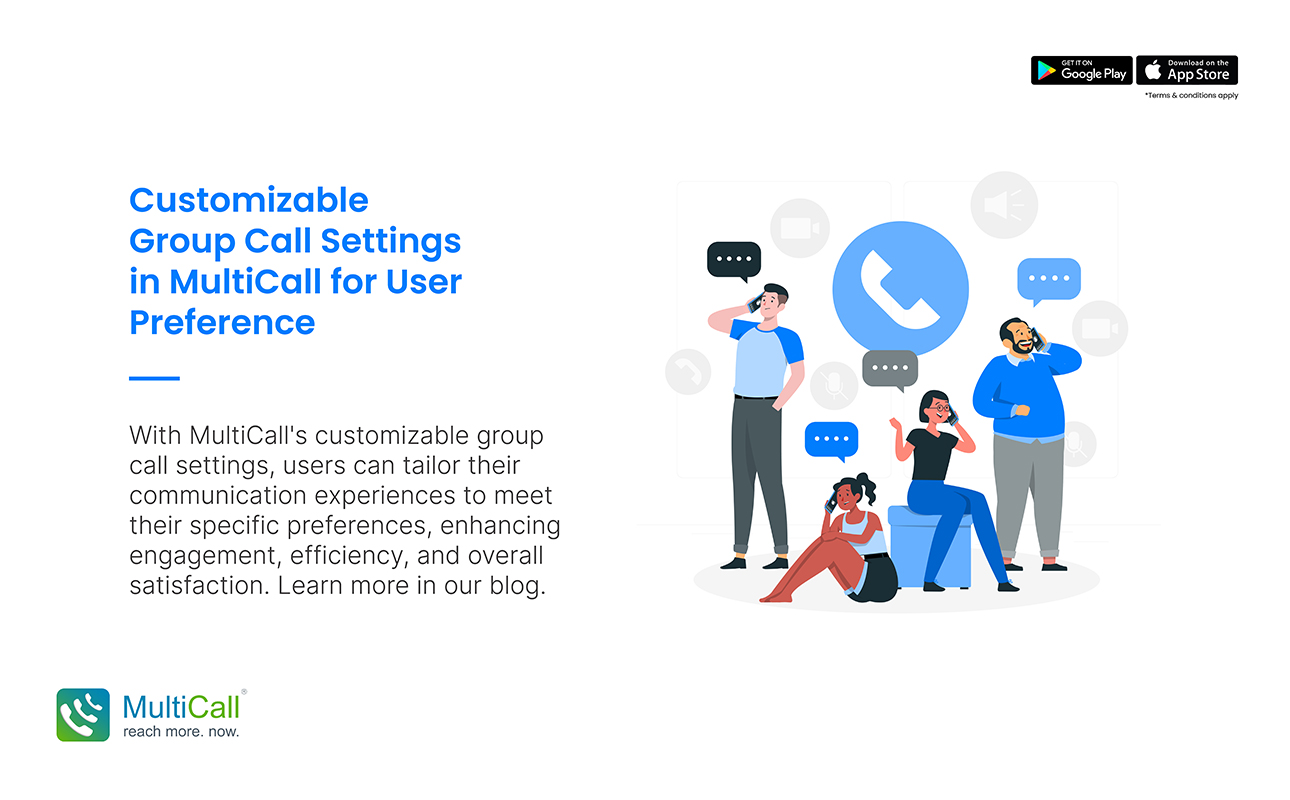
In the realm of group communication, the one-size-fits-all approach is often inadequate. Recognizing this, MultiCall offers customizable group call settings, allowing users to tailor their communication experiences to their specific preferences and needs. This customization enhances user engagement, efficiency, and overall satisfaction.

Personalized Call Experiences for Every User

MultiCall’s strength lies in its ability to adapt to the unique preferences of each user. The platform allows individual users to customize various aspects of their group call settings, such as audio levels, notifications, and participant views. This personalization ensures that each user can create a call environment that suits their working style and preferences, leading to a more comfortable and productive communication experience.

Flexible Management of Participants

Effective group communication often requires managing a diverse group of participants. MultiCall’s customizable settings provide hosts with the flexibility to manage participants in a way that best suits the nature of the call. Features like muting or unmuting participants, customizing access permissions, and arranging the display of participant tiles contribute to streamlined and focused group interactions.

Adapting to Different Call Contexts

Different group calls serve different purposes – from formal business meetings to informal team check-ins. MultiCall’s customizable settings allow users to adapt the call environment to the specific context of each meeting. Whether it’s enabling screen sharing for presentations or setting up a gallery view for brainstorming sessions, the platform caters to a wide range of communication needs.

Integration with Other Tools for Enhanced Functionality

Recognizing the interconnected nature of today’s work environment, MultiCall facilitates integration with other tools and platforms. This integration allows users to bring in data from other apps, share screens, and collaborate on documents, all within the group call setting. This holistic approach to communication greatly enhances the group call experience.

Conclusion: Empowering Users with Customization

In conclusion, the customizable group call settings in MultiCall are a testament to the platform’s commitment to user-centric communication. By empowering users to tailor their group call experiences, MultiCall not only enhances the efficiency and effectiveness of group communication but also ensures that every user’s preferences and needs are met. In the evolving landscape of digital communication, MultiCall’s customizable settings are a key differentiator, making it a preferred choice for users who value flexibility and personalization.

Contact Form


apple-store-app
google-play-app

YOU MAY ALSO LIKE

team

What High-Performance Teams Do Differently in Communication

Teams that consistently deliver results share more than skills and experience; they share effective communication habits. High-performance teams understand that clarity, structure, and timely collaboration are key to success. Audio conferencing plays a vital role in shaping these habits, allowing teams to stay connected, aligned, and responsive.

Read More »
voice

How Clear Voice Communication Reduces Business Risk

Effective communication is one of the most critical factors in preventing mistakes and mitigating risks within a business. Misunderstandings, delays, or misaligned instructions can cost companies time, money, and reputation. Clear voice communication helps organizations manage these challenges by ensuring that information is shared accurately and efficiently.

Read More »
enterprise

 Why Every Growing Enterprise Needs Structured Group Calling

As businesses expand, communication becomes increasingly complex. Teams grow, departments multiply, and projects span multiple locations. Without a structured approach to collaboration, miscommunication and delays can slow progress. Structured group calling provides a solution that keeps growing enterprises aligned, efficient, and productive.

Read More »
enterprise

How Smart Enterprises Simplify Communication Infrastructure

Communication is the backbone of any smart enterprise. Complex infrastructures, multiple tools, and dispersed teams can create challenges for smooth collaboration. Simplifying communication infrastructure allows businesses to reduce inefficiencies, streamline processes, and ensure that employees stay connected effortlessly.

Read More »
team collaborate

 Why Audio Calls Create Stronger Team Accountability

Accountability is essential for high-performing teams. When responsibilities are clear and communication is effective, teams can deliver better results, stay on track, and meet deadlines consistently. Audio calls provide a simple yet powerful way to strengthen accountability and ensure teams remain aligned on goals.

Read More »
team

The Science Behind Faster Team Alignment Through Voice

When teams need to move quickly, clarity and speed of communication are key. Aligning team members on goals, tasks, and priorities can be challenging, especially when people are spread across offices, cities, or even countries. Audio conferencing provides a solution by enabling real-time voice interaction that accelerates team alignment.

Read More »