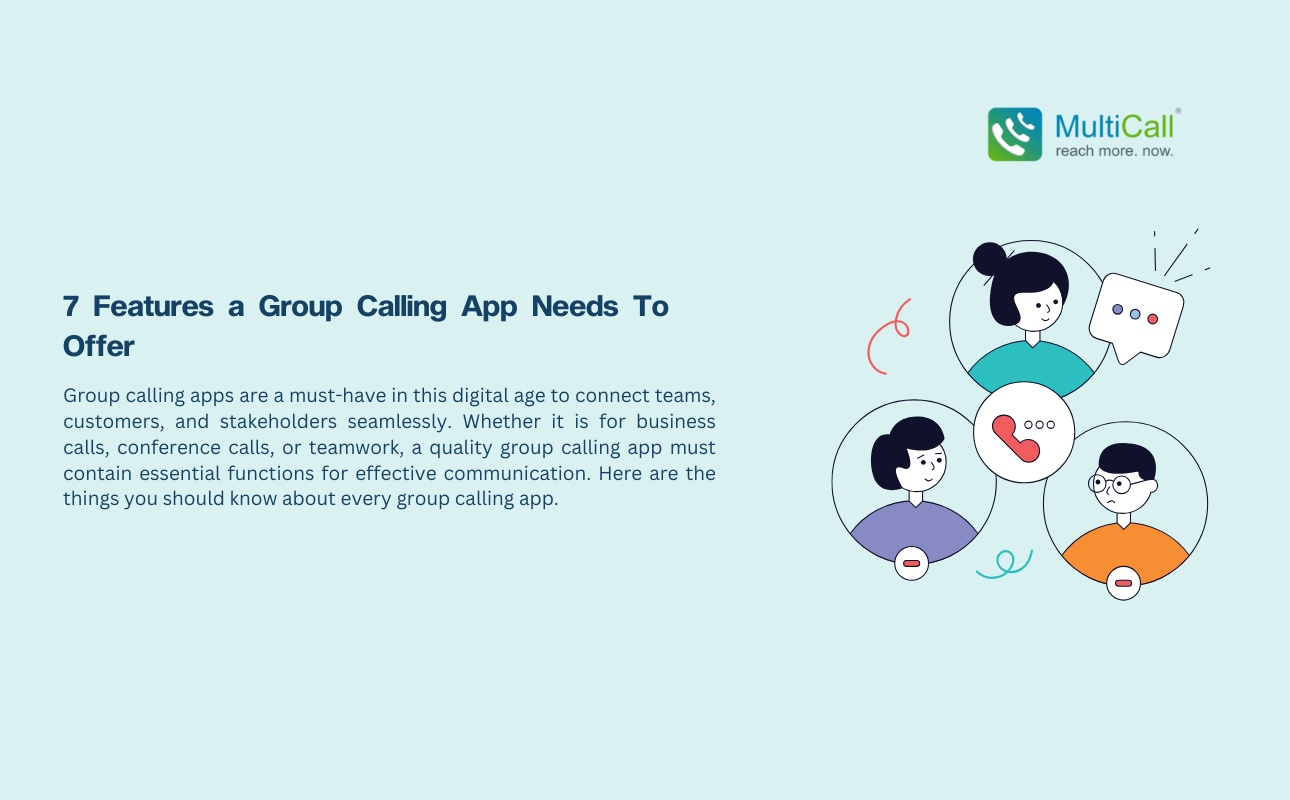
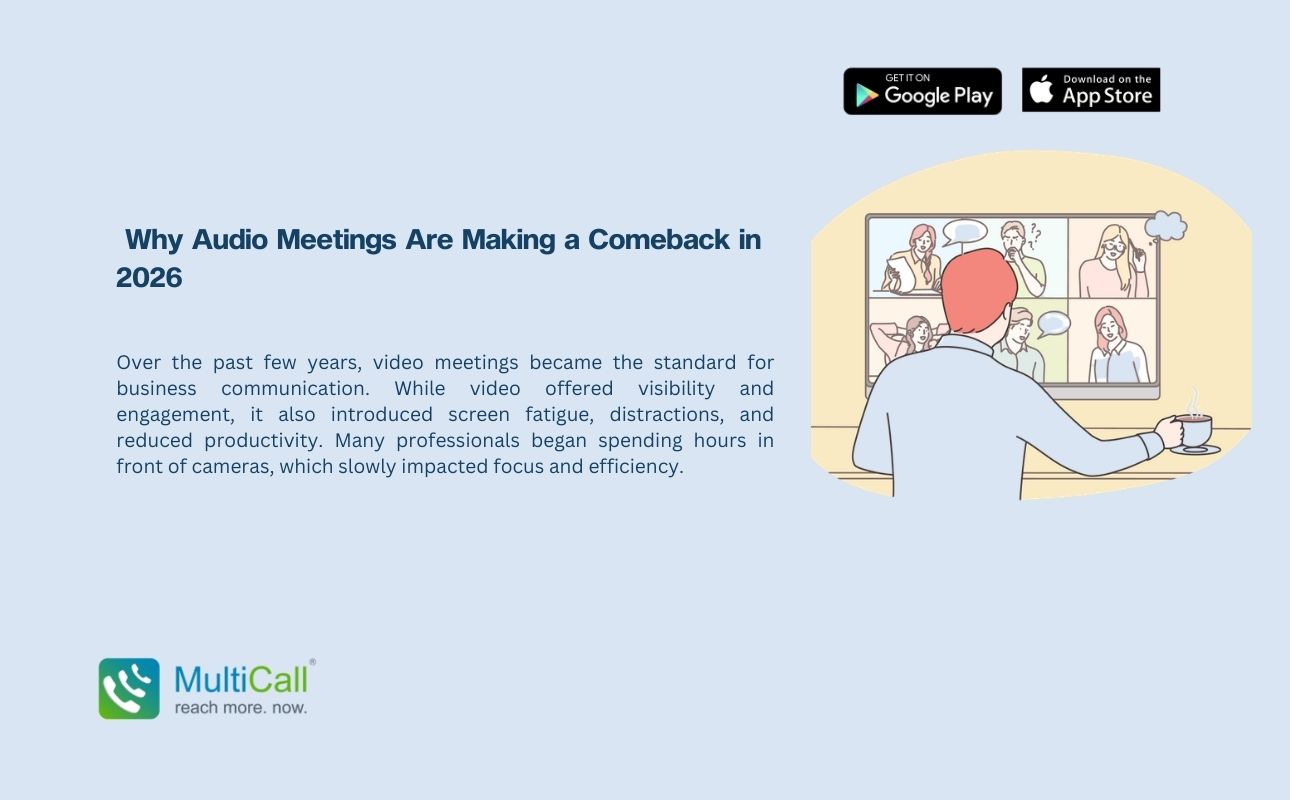
Group calling apps are a must-have in this digital age to connect teams, customers, and stakeholders seamlessly. Whether it is for business calls, conference calls, or teamwork, a quality group calling app must contain essential functions for effective communication. Here are the things you should know about every group calling app.
High-Quality Audio and Video
Audio clarity and HD video are essential in a group call application. Poor sound or video can stifle collaboration, causing confusion and wasted time. A good app minimizes lags, echoes, and interruptions to make your conversations seamless.
Multi-Participant Support
A good group calling app needs to be able to handle many participants without losing quality. Whether it’s a small team meeting or a large remote conference, the app should handle different group sizes while maintaining a good connection.
User-Friendly Interface
The app needs to be easy to use. Calls should be easy to join, manage, and schedule, even for users with no technical background. Features such as one-click joining links help make the app more accessible.
Screen Sharing and Collaboration Tools
Screen sharing is an indispensable feature for companies that need to give presentations, demos, and share ideas. Additional features such as virtual whiteboards, chat, and file sharing tools increase collaboration and efficiency during group calls.
Security and Privacy
With increasing cyber attacks, secure communication is crucial. Look for group calling applications with features such as end-to-end encryption, secure logins, and number masking for confidential conversations and privacy.
Cross-Platform Compatibility
Any good group calling app needs to be compatible with all platforms and operating systems — desktop, tablet, and smartphone. No matter what device a person is using, everyone on the call should be able to work seamlessly.
Call Scheduling and Notifications
Meetings should be easy to schedule, with automatic notifications sent out so no one misses a vital call. Calendar integration makes scheduling even easier, helping everyone stay on the same page.
Conclusion
An efficient group calling app is more than just a way to chat; it’s a tool for collaboration, efficiency, and security. Businesses can select the app that suits their specific requirements based on audio quality, multi-user capabilities, and security features. Whether for team meetings or client discussions, the right group calling app helps you collaborate and get things done effectively.