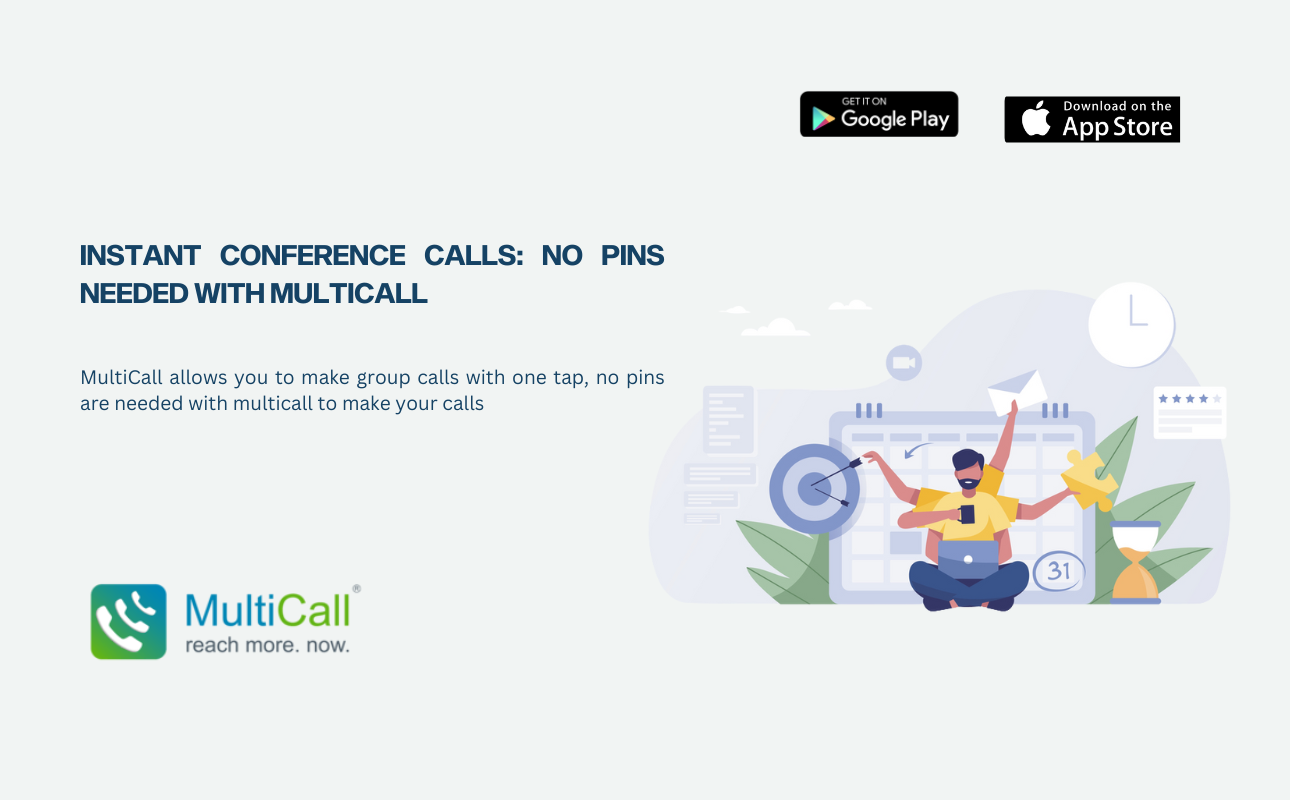
MultiCall reinvents group calling by enabling you to make instant app-free conference calls—no internet, no PIN, no app needed. All participants just need to receive a regular phone call, and will then automatically be added to the group conversation. This is what makes MultiCall the best choice for every time-critical business call.
Reasons Instant Conference Calls Work Best with Zero PINs
- It Takes One Tap to Start
Go to “Call Now”, select the participants from your contacts or saved groups, and MultiCall will dial all of them in parallel. The biggest thing to take away here is that there is no waiting room, no access codes, and most importantly, no waiting around.
- Participants Don’t Need an App
Unlike some other services, your users and participants don’t need the MultiCall app. While you (the host or caller) will of course need to download the app and use it to initiate the call, everyone else doesn’t need to download an app or enter any information—they simply need to answer the phone. It is just a regular phone call for them.
- It Relies on PSTN
MultiCall runs over PSTN, which means voice clarity and call stability. Unlike data-based calling or conferencing apps, you won’t experience dropouts and glitches in call quality because of slow Wi-Fi or limited internet. The call works even in remote locations where the internet and VoIP-based apps don’t.
Critical Features That Enable Instant Conference Calls
- Call-Now & Call-Later Options
MultiCall provides the flexibility of real-time and scheduled calls. You can set a call to be sent “now” or can also set the time for the call to happen later on. With MultiCall, scheduled calls also don’t require the participant to dial in; the MultiCall server will auto-dial them at the appointed time.
When privacy is a requirement, MultiCall provides for number masking to prevent participants from seeing each other’s numbers. This way, your client calls or third-party calls are always secure.
You can create and save your contact groups for frequent use. If you have a marketing team, operations team, or a client services team that you usually call, you can save them as groups and launch the call with just one tap.
Record your calls for future reference, for documentation, for compliance, or for any other use. Recording is a very important feature for client calls, legal calls, or internal performance review calls.
- Auto-Initiate and Reminders
If you are scheduling a call, MultiCall allows you to send reminders to the participants. It can also auto-initiate the call at the scheduled time. Once again, no PIN!
How to Make Instant Conference Calls in MultiCall
Step 1. Download and Register
Download the MultiCall app from the Google Play Store or the Apple App Store. Verification is a simple process of providing a mobile number.
Step 2. Call Now
From the home screen, tap on “Call Now” and select the participants.
Step 3. Tap to Call
Hit the call button, and MultiCall will start dialing all your participants simultaneously.
Conclusion
Many services provide solutions for business and admin SMS for startup businesses, but few have all of the above 8 features in their SMS APIs. It is recommended that all businesses looking for bulk SMS API providers make a checklist of their needs before settling on a single SMS API as their service provider for mass outreach. Contact Our Support Team and start communicating.