REDUCING DOWNTIME: MULTICALL AS A BACKUP COMMUNICATION CHANNEL FOR IT TEAMS
The problem is, when critical technology goes down, the communication channels IT teams depend on, such as VoIP, chat, or cloud-based services, often go with it.
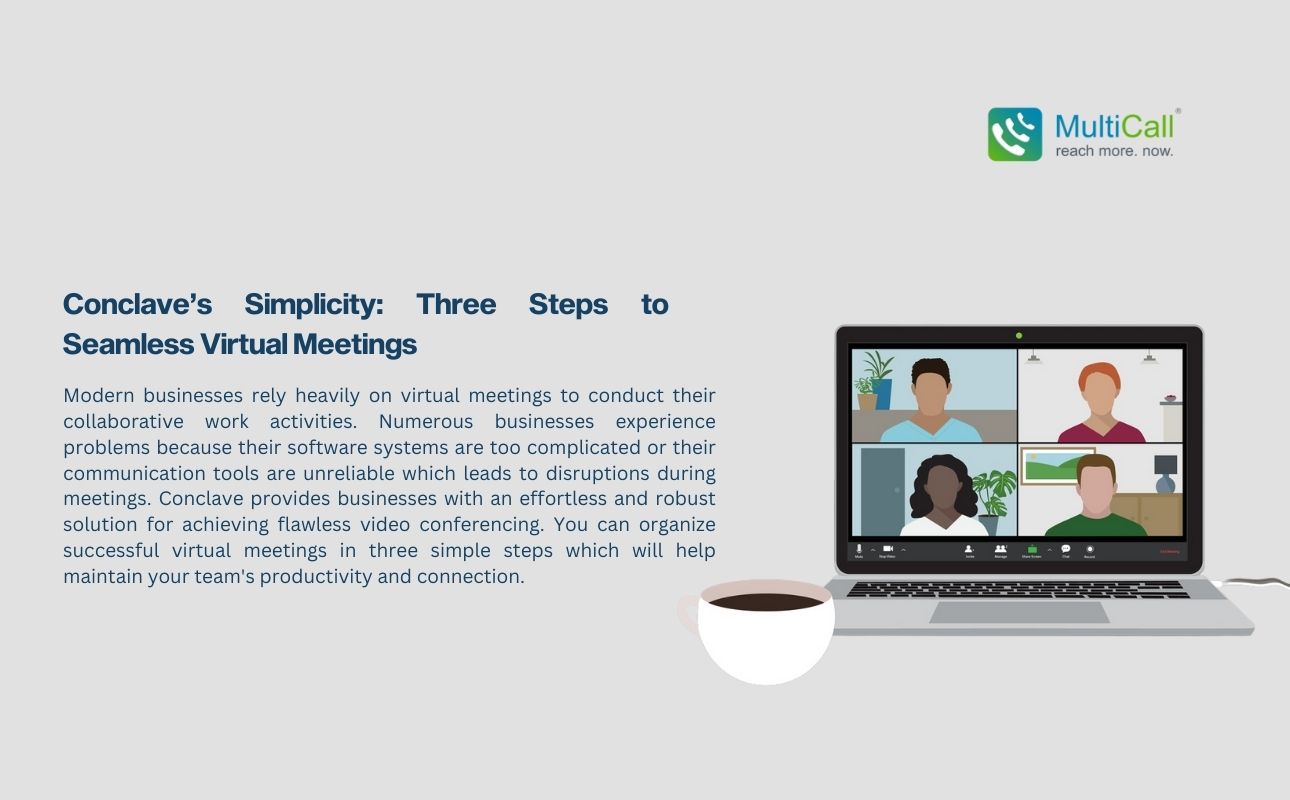
Modern businesses rely heavily on virtual meetings to conduct their collaborative work activities. Numerous businesses experience problems because their software systems are too complicated or their communication tools are unreliable which leads to disruptions during meetings. Conclave provides businesses with an effortless and robust solution for achieving flawless video conferencing. You can organize successful virtual meetings in three simple steps which will help maintain your team’s productivity and connection.
Step 1: To start using Conclave for virtual meetings you need to register and create your account.
To begin hosting seamless virtual meetings with Conclave you need to register and create an account. Users can complete this process quickly and without difficulty since it demands very little work. Registration opens the door to Conclave’s user-friendly dashboard built with simplicity in mind. This setup allows you to avoid complex configurations and difficult interfaces while providing a simple and streamlined process to begin using Conclave.
Businesses searching for affordable calling solutions that seamlessly integrate with their current systems benefit from Conclave’s sign-up process which provides a smooth transition without specialized training requirements.
Step 2: After your account creation choose your business plan and purchase necessary licenses.
After setting up your account choose the plan that meets your business requirements. Businesses have multiple flexible choices with Conclave which includes prepaid plans and unlimited licenses depending on their requirements. Conclave offers flexible plans for small team group calls or large meeting management that match different budgetary needs and functional requirements.
Adding licenses for team members is simple. Users gain immediate access to meetings and other features when you assign the right plan through a few easy clicks. Participants will arrive at the meeting fully equipped and ready without experiencing any difficulties or misunderstandings.
Step 3: Schedule, Invite, and Join
Conclave simplifies the way users schedule and join virtual meetings. Set up meetings efficiently through the built-in call scheduling applications which find suitable times for everyone. Select your preferred meeting time and let Conclave automatically send invites to your team members.
Participants can join the scheduled meeting effortlessly when it starts. Users can join meetings with a single click since there is no need to enter PINs or passwords. Conclave accommodates both high-quality PSTN calling to enhance audio fidelity and video conferencing to facilitate dynamic discussions so you can choose the best communication method for your meeting. Persistent login features in calling apps allow users to access meetings directly without needing to log in each time which makes access simpler for users.
Conclusion
The straightforward approach of Conclave enables next-generation video conferencing through just three simple steps. Conclave delivers a straightforward user experience that eliminates any hassle from account setup through meeting scheduling and joining so teams can concentrate on productive communication. Conclave provides secure group calling apps together with instant group calling solutions and seamless business communication to make every virtual meeting run without any issues. Use Conclave to make virtual collaboration both simple and productive whether your requirements are group calling apps for team discussions or quick dialing solutions for fast access.

The problem is, when critical technology goes down, the communication channels IT teams depend on, such as VoIP, chat, or cloud-based services, often go with it.

MultiCall’s primary value proposition for NGOs lies in enabling HQ-foster connections with field-based teams through high-quality voice calls. Social projects are challenging in themselves; by facilitating multi-person calls in low-connectivity environments, MultiCall brings teams closer.

Large enterprises are all about collaboration. Enter MultiCall’s voice communication system that effortlessly connects multiple departments via unlimited group calling and smart scheduling.
Video conferencing often makes interdepartmental meetings inaccessible for many teams. When departments can’t meet without lags or face login issues and other video call mishaps, communication bottlenecks happen.

The MultiCall solution is centered around team calling. Group calls over voice make it possible for teams to coordinate schedules, share information, and discuss important topics. MultiCall enables users to connect in the fastest, most reliable, and most secure way possible.

It could be a village doctor trying to connect with a specialist in the city or a mobile medical team updating the hospital about their work. With MultiCall’s PSTN backbone, such calls go through with reliability, without needing high-speed data or Wi-Fi.

Efficiency equals profitability in business; central to that is communication. Countless organizations have miscalculated the cost of an unreliable phone or messaging application. Hours of delays, dropped calls, miscommunication, lost meetings, and disjointed coordination can translate into serious financial loss for an enterprise.
Communication has become less of an amenity and more of an investment. Enterprise voice communication software like MultiCall, with a complete solution for large teams, comes with a very clear and direct return on investment (ROI) through increased productivity, decreased downtimes, and operationally safeguarded communication.