
multicall

Conclave’s Simplicity: Three Steps to Seamless Virtual Meetings

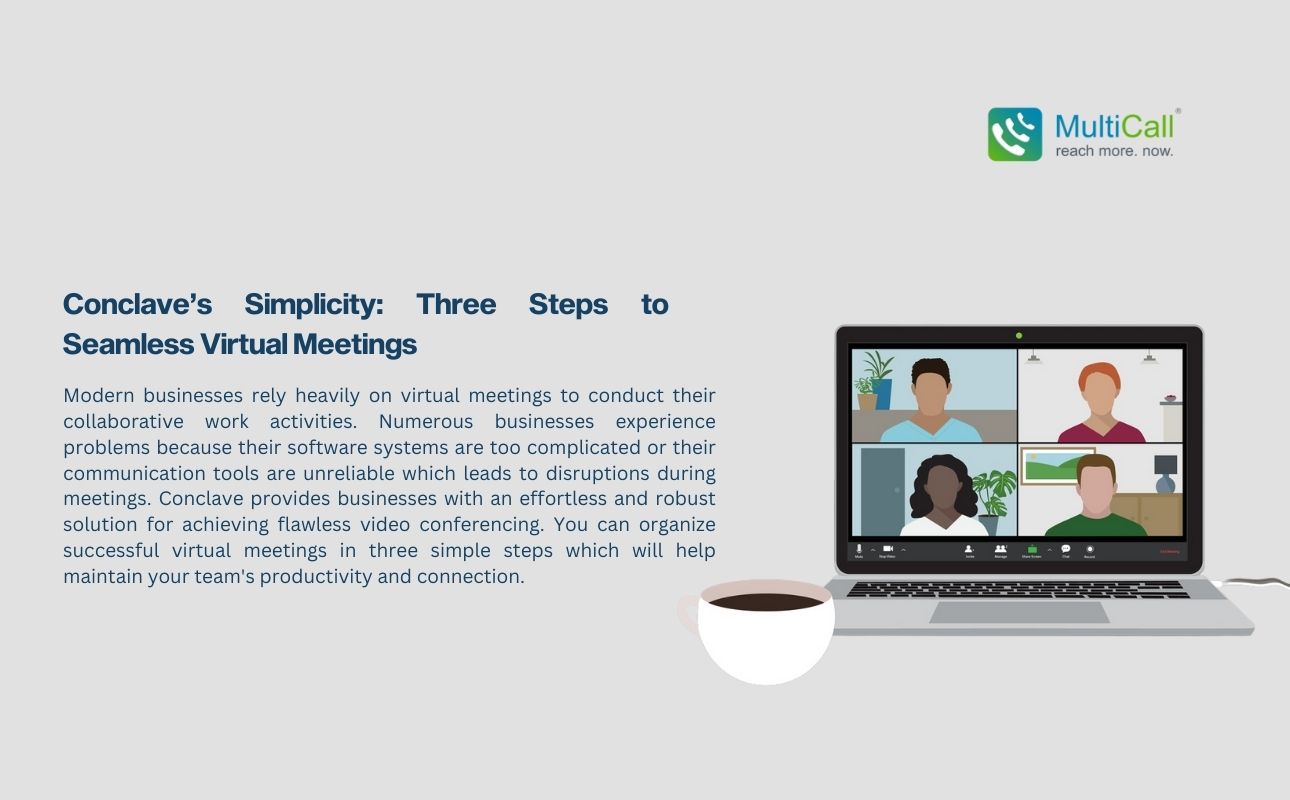
Modern businesses rely heavily on virtual meetings to conduct their collaborative work activities. Numerous businesses experience problems because their software systems are too complicated or their communication tools are unreliable which leads to disruptions during meetings. Conclave provides businesses with an effortless and robust solution for achieving flawless video conferencing. You can organize successful virtual meetings in three simple steps which will help maintain your team’s productivity and connection.

Step 1: To start using Conclave for virtual meetings you need to register and create your account.

To begin hosting seamless virtual meetings with Conclave you need to register and create an account. Users can complete this process quickly and without difficulty since it demands very little work. Registration opens the door to Conclave’s user-friendly dashboard built with simplicity in mind. This setup allows you to avoid complex configurations and difficult interfaces while providing a simple and streamlined process to begin using Conclave.

Businesses searching for affordable calling solutions that seamlessly integrate with their current systems benefit from Conclave’s sign-up process which provides a smooth transition without specialized training requirements.

Step 2: After your account creation choose your business plan and purchase necessary licenses.

After setting up your account choose the plan that meets your business requirements. Businesses have multiple flexible choices with Conclave which includes prepaid plans and unlimited licenses depending on their requirements. Conclave offers flexible plans for small team group calls or large meeting management that match different budgetary needs and functional requirements.

Adding licenses for team members is simple. Users gain immediate access to meetings and other features when you assign the right plan through a few easy clicks. Participants will arrive at the meeting fully equipped and ready without experiencing any difficulties or misunderstandings.

Step 3: Schedule, Invite, and Join

Conclave simplifies the way users schedule and join virtual meetings. Set up meetings efficiently through the built-in call scheduling applications which find suitable times for everyone. Select your preferred meeting time and let Conclave automatically send invites to your team members.

Participants can join the scheduled meeting effortlessly when it starts. Users can join meetings with a single click since there is no need to enter PINs or passwords. Conclave accommodates both high-quality PSTN calling to enhance audio fidelity and video conferencing to facilitate dynamic discussions so you can choose the best communication method for your meeting. Persistent login features in calling apps allow users to access meetings directly without needing to log in each time which makes access simpler for users.

Conclusion

The straightforward approach of Conclave enables next-generation video conferencing through just three simple steps. Conclave delivers a straightforward user experience that eliminates any hassle from account setup through meeting scheduling and joining so teams can concentrate on productive communication. Conclave provides secure group calling apps together with instant group calling solutions and seamless business communication to make every virtual meeting run without any issues. Use Conclave to make virtual collaboration both simple and productive whether your requirements are group calling apps for team discussions or quick dialing solutions for fast access.

Contact Form


apple-store-app
google-play-app

YOU MAY ALSO LIKE

multicall

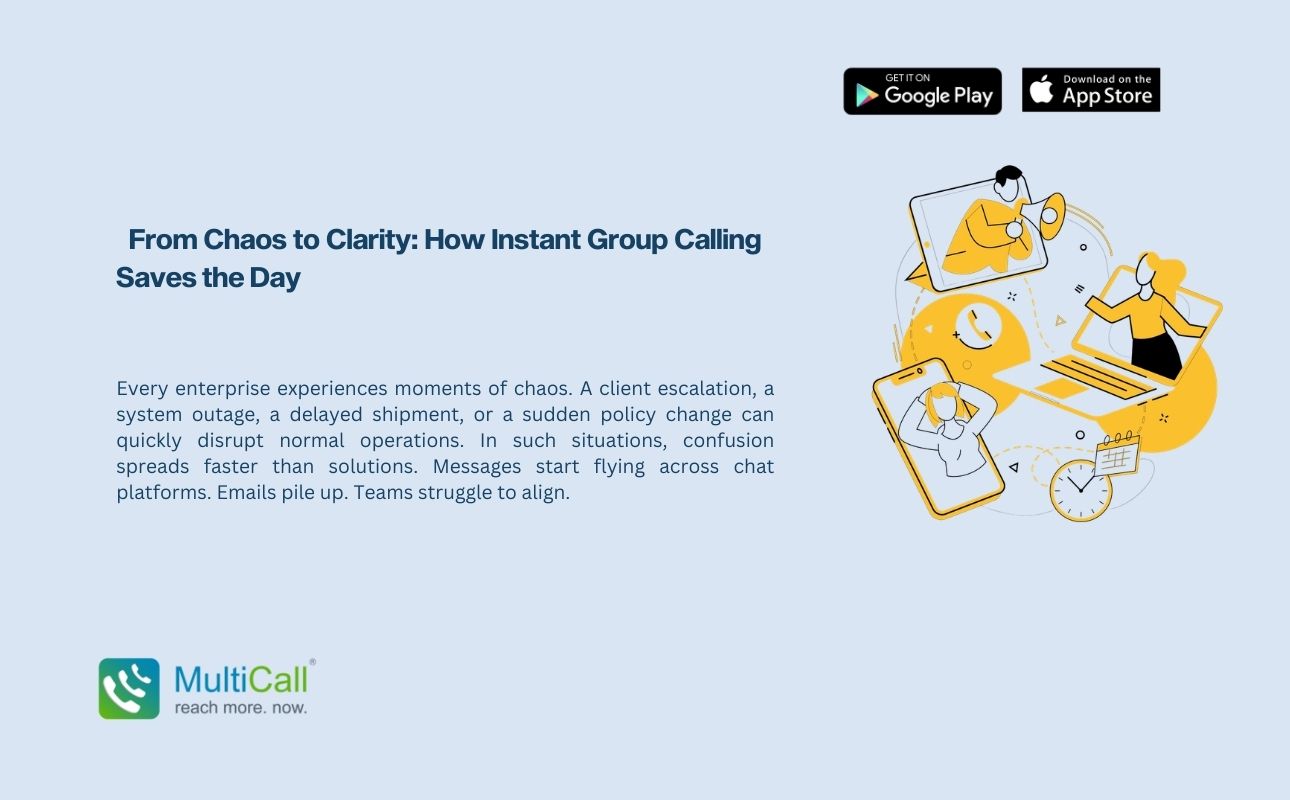
 From Chaos to Clarity: How Instant Group Calling Saves the Day

Every enterprise experiences moments of chaos. A client escalation, a system outage, a delayed shipment, or a sudden policy change can quickly disrupt normal operations. In such situations, confusion spreads faster than solutions. Messages start flying across chat platforms. Emails pile up. Teams struggle to align.

Read More »
multicall

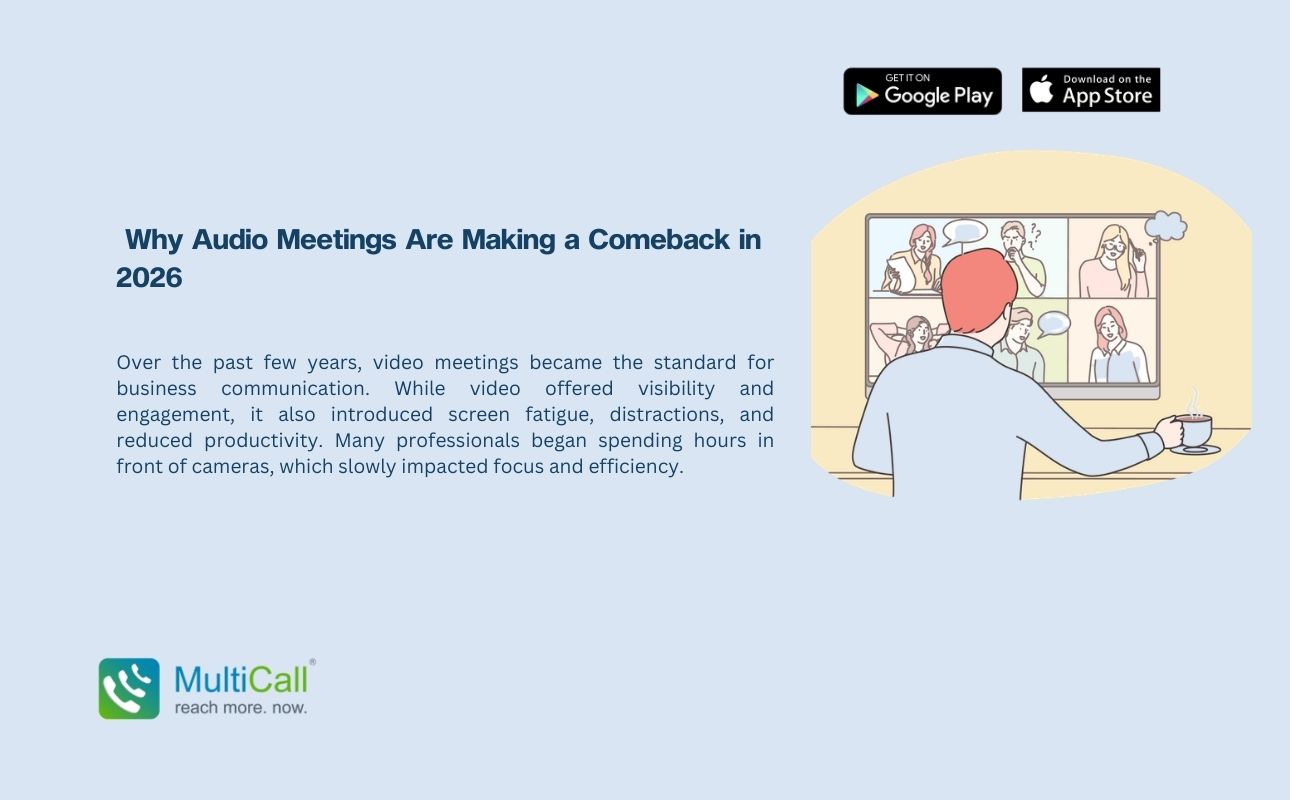
 Why Audio Meetings Are Making a Comeback in 2026

Over the past few years, video meetings became the standard for business communication. While video offered visibility and engagement, it also introduced screen fatigue, distractions, and reduced productivity. Many professionals began spending hours in front of cameras, which slowly impacted focus and efficiency.

Read More »
multicall

How One Missed Call Can Cost Your Business Crores

In business, opportunities rarely announce themselves twice. A single incoming call could represent a new client inquiry, a partnership proposal, a high value contract, or an urgent operational update. When that call goes unanswered, the cost is not just a missed conversation. It could mean losing revenue worth crores.

Read More »
multicall

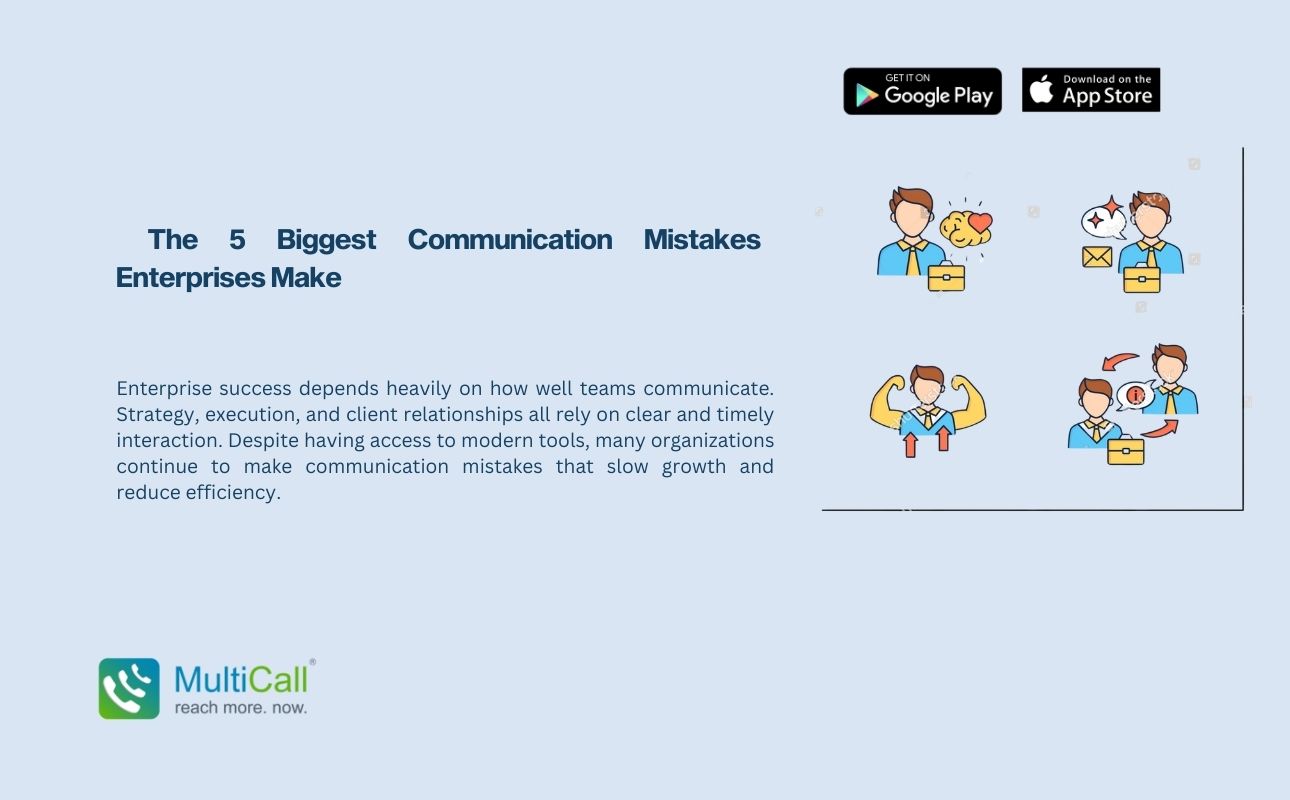
  The 5 Biggest Communication Mistakes Enterprises Make

Enterprise success depends heavily on how well teams communicate. Strategy, execution, and client relationships all rely on clear and timely interaction. Despite having access to modern tools, many organizations continue to make communication mistakes that slow growth and reduce efficiency.

Read More »