multicall

4 Steps to Resolve Conflicts Within Remote Teams

What was the earliest form of conflict you remember having? An argument with your friends? Or a disagreement with family for something you did?Ā  In a constructive sense, conflict is not bad. It allows everyone to embrace different views and approaches to the same goal or mission. This type increases productivity.

In the case of a remote team, communication is hampered, conference calls are plenty, and everyone faces their ownĀ Work-From-Home Issues.Ā The lack of face-to-face also means it becomes more difficult toĀ build trust with your team.Ā With multiple barriers, the potential for conflict is high, and can have a negative impact on a team’s productivity and morale.

A Harvard Business Review study of over 1100 employees found that remote workers felt severely alienated, and that this was primarily driven by the perceptions of feeling that their priorities were not valued, and that they were not being informed about changes.

Resentment in this manner can be severely corrosive to a business and the way it works.

It’s therefore logical to understand how to detect and manage conflict.Ā 

And the good news is, it’s easy! All it takes is four steps, which you can remember with the acronym MEET.

Make time to check in regularly

Communication has always been one of the key tools in a manager’s kit. The Harvard study previously mentioned found almost half the respondents asserting that the mostĀ effective managersĀ checked in frequently with their remote employees. ā€œSo how often?ā€, you might ask at this point.

Ā 

This can be every day, or even once or twice a week. Bottom line: make sure that the check-in is consistent and involves scheduled one-to-one and team meetings. Making sure that everyone is heard in this manner will lessen the potential for conflict thus. But good skills require good tools to apply them. It is at this point that MultiCall proves to be such a tool.

Ā 

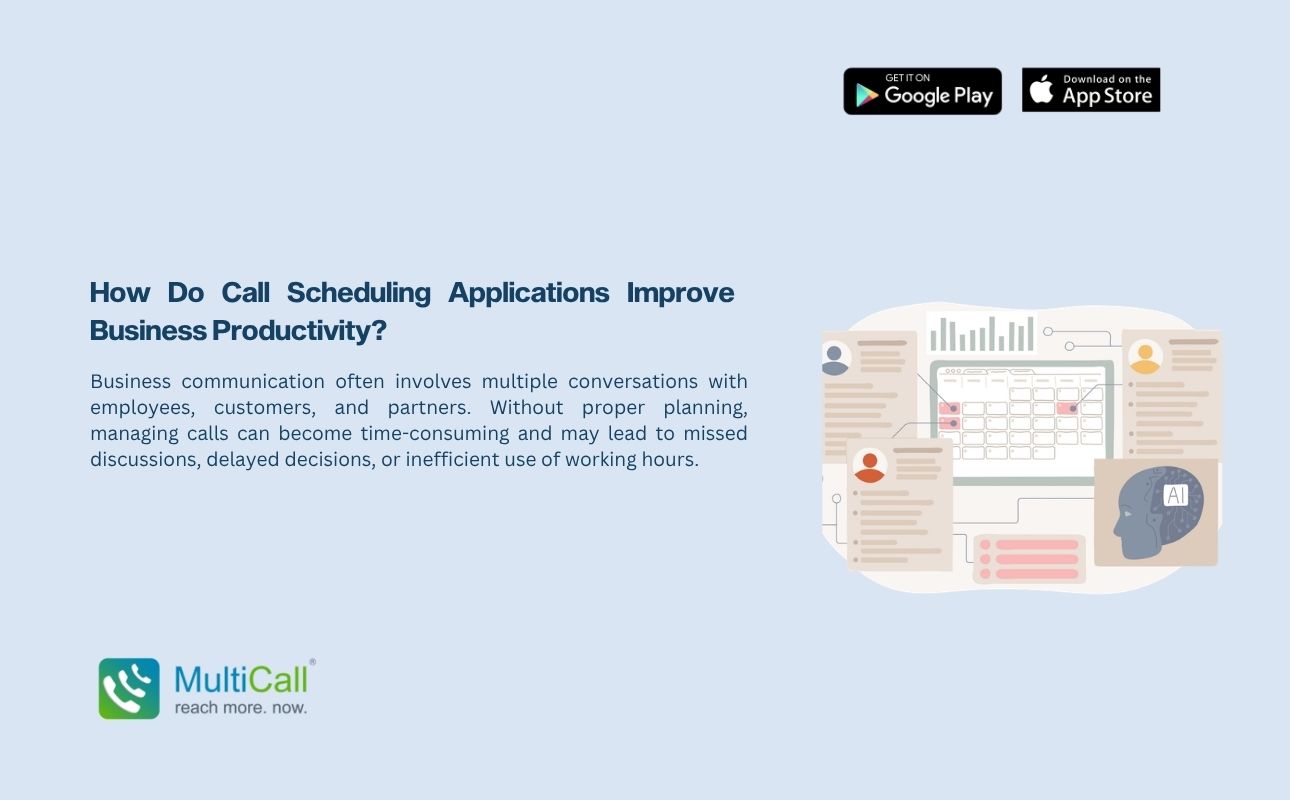
Ā A calling app that allows one-to-one group collaboration, MultiCall sports an assortment of features such asĀ Call Scheduling, which can be used to regulate the meetings’ date, time, and duration on a repetitive basis. The app also hasĀ Call Monitoring,Ā which will allow the user to clearly see who is in the call, and ensure that everyone involved has spoken up and participated.

Ā 

Express expectations and feedback clearly

Changes in a team member’s behavior is a key metric toward possibility of conflict. This means not only seeing changes of tone in messages or emails, but in calls as well. Appearing hesitant to discuss issues with a certain person, or not engaging with said individual is enough to be a red flag for conflict.

Ā 

So be on the lookout for if an individual suddenly changes their style of talking. If they are usually enthusiastic but then become brief, submissive, or curt in their replies, they may be under some duress, or are not speaking up in a matter that can quickly escalate into a conflict.

Ā 

It also could mean that they have a different view or misunderstanding on the matter that they do not wish to bring up due to differing with the whole group. Resolving the issue necessitates stepping in as soon as such behaviors occur and taking on a proactive attitude by asking relevant questions to let them voice their concerns. Ā MultiCallĀ helps you here by allowing you to speak one-to-one with individuals prior to adding others to the call.

Contact Form


apple-store-app
google-play-app

YOU MAY ALSO LIKE

multicall

Ā Is Your Business Over-Relying on Chat Apps

Many businesses today rely heavily on chat apps for daily communication. While messaging platforms are quick and convenient, they are not always the most effective way to handle important discussions. Over time, this dependency can create gaps in clarity, delay decision making, and reduce the quality of communication. Businesses need to evaluate whether chat apps are truly supporting their goals or slowing them down.

Read More Ā»
multicall

Why Fast Coordination Matters More Than Perfect Slides

In many business situations, teams spend a lot of time preparing perfect presentations and detailed slides. While visuals can support communication, they are not always the most important factor. What truly matters is how quickly teams can connect, discuss, and make decisions. With Best Audio Conferencing Apps, teams can focus on real conversations instead of spending time perfecting slides that may not add real value.

Read More Ā»
multicall

Ā Why Audio Calls Are Better Than Video for Focused Business Communication

In today’s fast moving business environment, communication needs to be clear, quick, and easy to manage. Video calls have become common, but they often add extra layers that are not always necessary. Audio calls offer a simpler and more practical way to connect. By using Best Audio Conferencing Apps, businesses can keep conversations smooth and focused without worrying about visual elements.

Read More Ā»
multicall

Why Voice Communication Builds More Trust Than Emails

In business, trust is built through clear and genuine communication. While emails are widely used, they often lack emotional tone and personal connection. Voice communication brings a human element into conversations, allowing people to express tone, intent, and clarity.

Read More Ā»
multicall

Ā The Real Reason Enterprises Are Moving Back to Voice

For several years, enterprises embraced video meetings, chat platforms, and collaborative dashboards as the future of communication. While these tools improved connectivity, they also introduced new challenges. Constant notifications, long message threads, and extended video sessions began to reduce focus and efficiency.

Read More Ā»